All your clients, each in their own workspace
One account, many organisations. Client data and connections never mix, and you see everyone’s results on one screen.
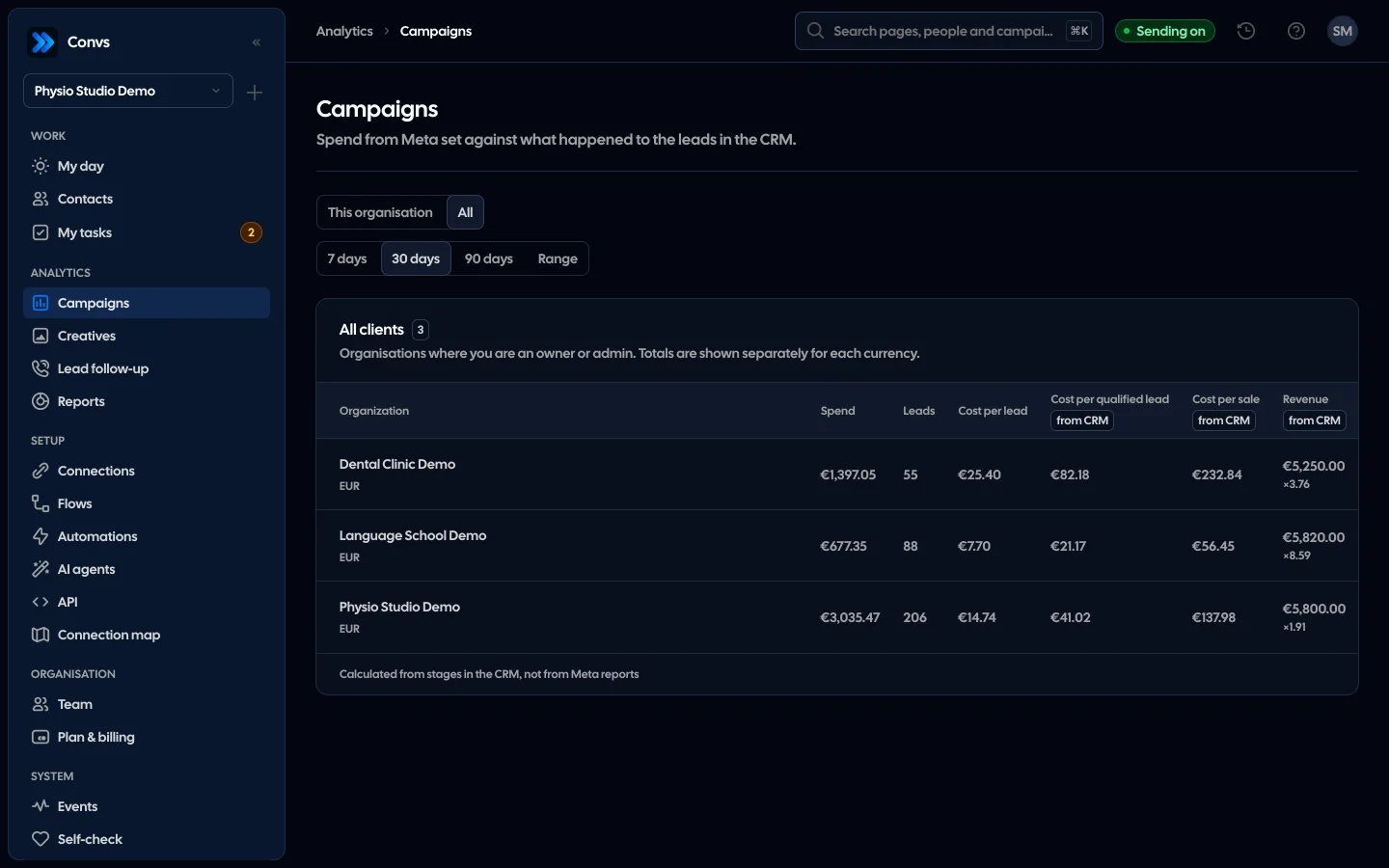
Screenshots from a demo organisation. People and numbers are fictional.
Every client apart, all on one screen
Separate organisations, roles down to “own only” and a plan of its own for every client.
All clients in one view
One row per organisation: leads, cost per lead and cost per qualified lead from the CRM. A client without fresh data is flagged.
A role set area by area
Every area of the app on its own: none, view or edit. Clients and tasks can be “own only”.
A client is an organisation
Each client’s data, connections and team stay apart. A team member sees only the organisations they were invited to.
A queue per client
Imports, spend and sheets run in the organisation’s queue, and organisations take turns.
A plan for every client
Each organisation has its own plan and lead limit. Plan & billing shows how much of it was used this month.
Example data
See it in 20 seconds
Short clips from the panel with a demo organisation’s example data, no sound.
- For agenciesEach client is its own organisation, roles go down to “only own”, and the all-clients overview puts every client’s results side by side.
Roles for your team and your client
Each person has one role in an organisation. Three built-in roles cover most agencies, and a custom role sets every area of the app on its own: none, view or edit.
Owner and admin
You and your team who set up the client’s account.
- Full access to every area
- Invitations, roles and the data retention period
- The all-clients overview when in at least two organisations
Operator
The person who works the client’s leads day to day.
- Edits clients, campaigns, creatives and own tasks
- Views connections, flows and reports
- Runs checks and background jobs
Viewer
An agency client who wants to see results.
- Campaign report and creatives read-only
- Masked phone numbers and emails of people
- No access to change settings
Clients see their own campaigns
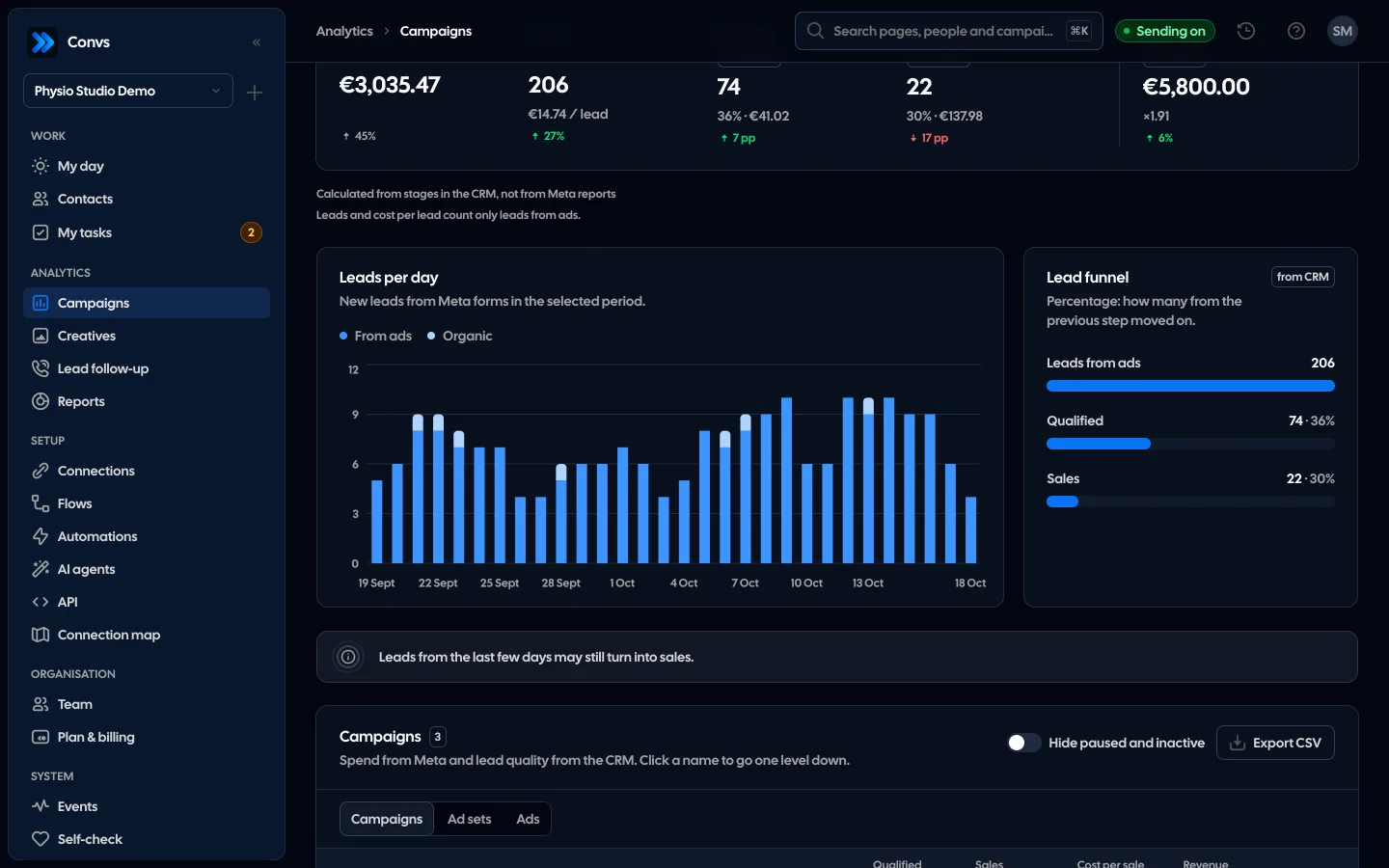
The viewer role gets read-only access to the campaign report. Campaign names are not personal data, so clients see the full picture.
A new client in four steps
Each client is a separate organisation with its own data, connections and team. Nothing passes between them.
- 1
New organisation
Create it from the organisation switcher. You are its owner and payer.
- 2
The client’s Meta account
Connect the login and pick a specific ad account. There is no “all accounts” option.
- 3
The client’s team
Invite people by email with a role. The link works for 72 hours and only for that address.
- 4
All clients
Organisations’ results side by side, with stale data flagged.
Background jobs per client
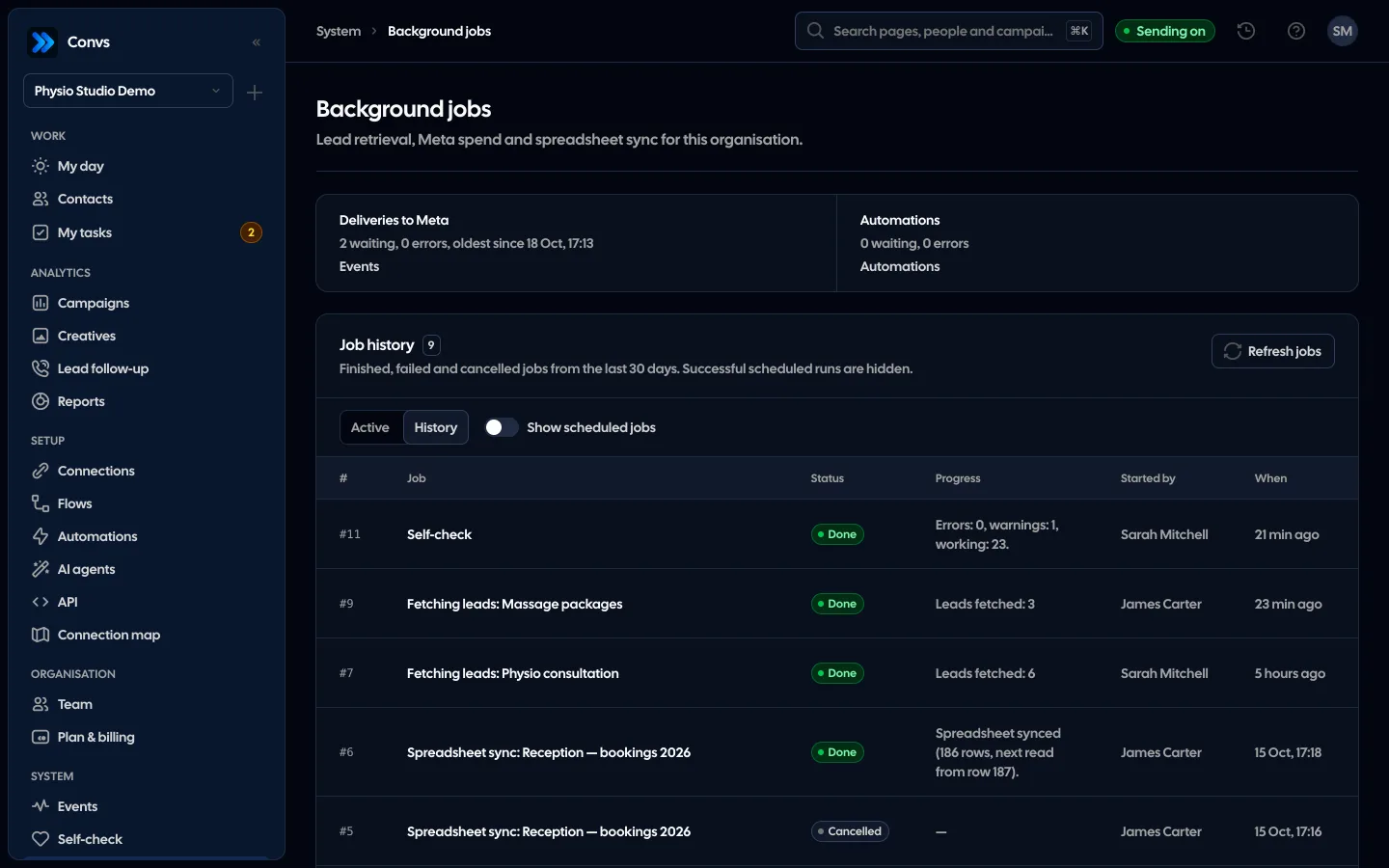
Lead imports, spend and sheet syncs run in each organisation’s own queue. Organisations take turns, so a big client never blocks a small one.
Every client has its own plan
The plan and its lead limit belong to the organisation, so each client pays for its own leads. An owner has one Free plan, for one organisation. No plan limits organisations, users or ad accounts.
| What | Agency plan |
|---|---|
| Organisations (clients) | No limit |
| Users | No limit |
| Meta ad accounts | No limit |
| Leads and orders | 25,000 a month in one organisation |
| Onboarding call |
No. Each organisation has its own data, connections and team. A team member sees only the organisations they were invited to.
Anyone who is an owner or admin in at least two organisations. It shows one row per organisation and flags stale data.
No. You always choose a specific ad account. There is no “all accounts” option, so one client’s data cannot end up with another.
Related features
- Security and privacyEncryption, hashing, roles, retention and self-hosting.See details
- AI agentsClaude, ChatGPT and other assistants work with your Convs data.See details
- CRMOne person per phone or email, full history, stages, owner, tasks and “My day” with the order of work.See details
- Campaign reportingMeta spend joined with CRM stages: cost per lead, per qualified lead and per sale.See details
- Meta Conversions APILeads, sheet rows and orders sent to Meta from a server, without duplicates.See details
Get started in under 5 minutes
Connect your Meta account and see which forms send good data and which need fixing.
- Free up to 100 leads a month
- No developer needed
- Automatic connection checks