What Is the Meta Conversions API? How It Differs from the Pixel and What It Won't Do
What the Meta Conversions API is, how it differs from the Pixel, which data it accepts, how deduplication works and what CAPI does not guarantee.
On this page
The Meta Conversions API (CAPI) is how Meta learns about a conversion from you rather than from the customer's browser. Your server, online store or CRM sends an event, for example "this person bought for €89" or "this lead moved to Qualified", and Meta matches it to user accounts and uses it for measurement and ad delivery. This guide covers how it works, how it differs from the Pixel and, just as importantly, what it won't do for you.
What is the Meta Conversions API?
The Conversions API is Meta's interface for sending marketing events straight from a business system. Meta's documentation describes it as a connection between an advertiser's marketing data and Meta's ad systems, covering website events, app events, business messaging events and offline conversions, including data that comes from a CRM.
An event is a small payload:
- what happened:
event_name, e.g.Purchase,Lead,QualifiedLead - when:
event_time, a Unix timestamp in seconds - where:
action_source, e.g.websitefor an online purchase orsystem_generatedfor an event raised by a back-office system - who:
user_data, such as a hashed email or phone, the Meta lead ID and, for website events, IP address and user agent - how much:
custom_datawith value and currency for sales - a unique ID:
event_id, so the same event is not counted twice
Meta does not charge for sending events. What you pay for is the implementation: a developer, an agency partner, or a tool that does the sending.
Pixel vs Conversions API: what is the difference?
The Pixel is a script on your site that reports events from the browser. The Conversions API reports them from a server. The point isn't that one is newer; it's that each one sees different things.
| Pixel (browser) | Conversions API (server) | |
|---|---|---|
| How it learns about an event | From activity on the web page | From your systems: orders, CRM, spreadsheets |
| What it can miss | Events when scripts are blocked, consent is refused or the tab closes early | Nothing your server recorded, provided the integration runs and retries failures |
| Events after the visit | Can't see them (e.g. a phone sale a week later) | Sees them once they reach your system |
Click identifiers (fbc, fbp) | Has them natively | Has to receive them from the site |
| Who controls the payload | Meta's script on your page | You decide what leaves your systems |
In its deduplication guide Meta states that, for optimal ad performance, it recommends implementing the Conversions API alongside the Meta Pixel. Two channels for the same event mean you need deduplication.
How does Pixel and CAPI deduplication work?
Meta treats two events as the same when they share the same name and the same ID: eventID in the Pixel and event_id in the Conversions API. This only works if the second event arrives within 48 hours of the first. If the two don't meaningfully differ, Meta generally keeps the one it received first. We cover the details and the usual mistakes in Pixel and CAPI event deduplication.
Events the Pixel never sends, such as CRM lead stages, don't need deduplicating against the Pixel. You still have to make sure your own system doesn't send the same stage twice.
What data does the Conversions API accept?
Meta accepts customer data only in specific formats. Some fields must be normalised and hashed with SHA-256 before sending; others go unhashed. From Meta's customer information parameters:
| Parameter | Format |
|---|---|
Email (em) | trimmed, lowercase, then SHA-256 |
Phone (ph) | digits only with country code, no symbols or leading zeros, then SHA-256 |
| First/last name, city, postcode, country | normalised, then SHA-256 |
external_id | hashing recommended |
client_ip_address, client_user_agent, fbc, fbp, lead_id | do not hash |
Hashing does not make data anonymous in a legal sense. Under privacy laws such as the GDPR it is still personal data, so you need a lawful basis and a clear privacy notice. Our article on GDPR and hashing in the Conversions API goes further (it is not legal advice).
The more valid identifiers you send, the easier it is for Meta to match an event to a person. Events Manager reports this as Event Match Quality; see how to improve Event Match Quality.
The 7-day limit
Meta's server event parameters are explicit: event_time can be up to 7 days before you send the event, and one event that is too old makes Meta reject the entire request. A monthly export upload won't work. Send events as they happen, or at least once a day.
event_time should also be when the event actually happened, not when you sent it. A Monday purchase sent on Wednesday still carries Monday's timestamp.
What does the Conversions API do, and what doesn't it do?
CAPI gives Meta data it would not otherwise have. That's the whole of it. What happens next depends on how you set up campaigns and on what Meta does with the data.
What you actually gain:
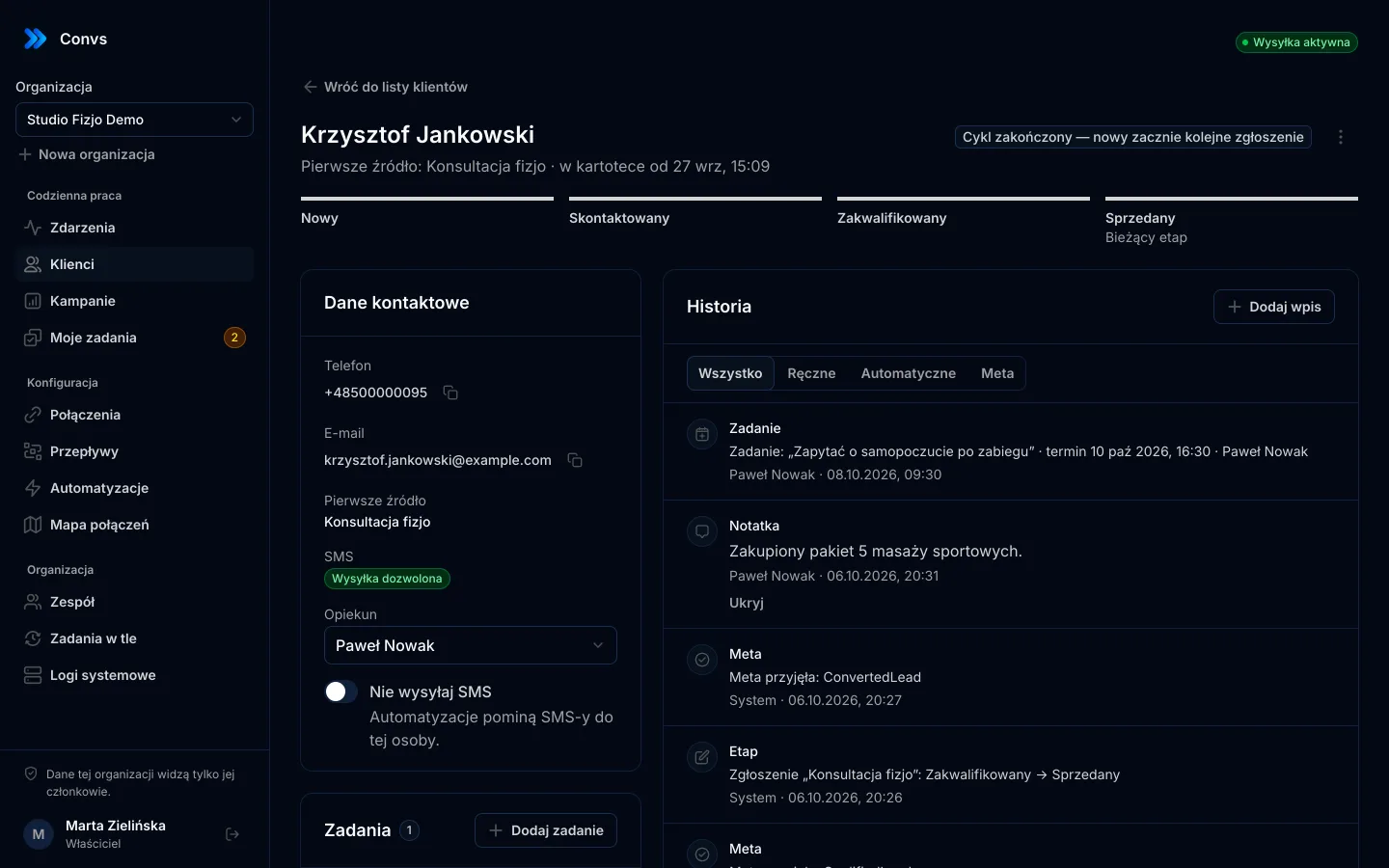
- Meta sees conversions the Pixel can't: a sale closed in your CRM, a lead qualified by a sales rep, an order confirmed after payment.
- You can choose campaign goals built on those events, such as optimising for conversion leads from Instant Forms.
- You decide which data leaves your business and in what form.
What CAPI does not do:
- It doesn't guarantee lower costs or higher return. Better data can help Meta optimise, but results depend on the campaign, budget, offer and data quality.
- It doesn't prove attribution. Meta accepting a purchase doesn't mean the ad caused it.
- It doesn't confirm matching.
events_received: 1only means the event was received. - It doesn't configure campaigns. Sending
QualifiedLeadevents doesn't make any ad set optimise for them; that's a choice you make in Ads Manager.
How do you implement the Conversions API?
There are three routes, and the right one depends on where your conversions happen.
- A built-in platform integration. Many e-commerce platforms and CRMs ship a Meta connection. If yours covers the events you need, it's usually the simplest option.
- A custom integration. Your developers send events from your servers. Full control, and full responsibility for queuing, retries, deduplication, hashing and Graph API version upgrades.
- An intermediary tool. A service that collects conversions from several sources and sends them to Meta for you.
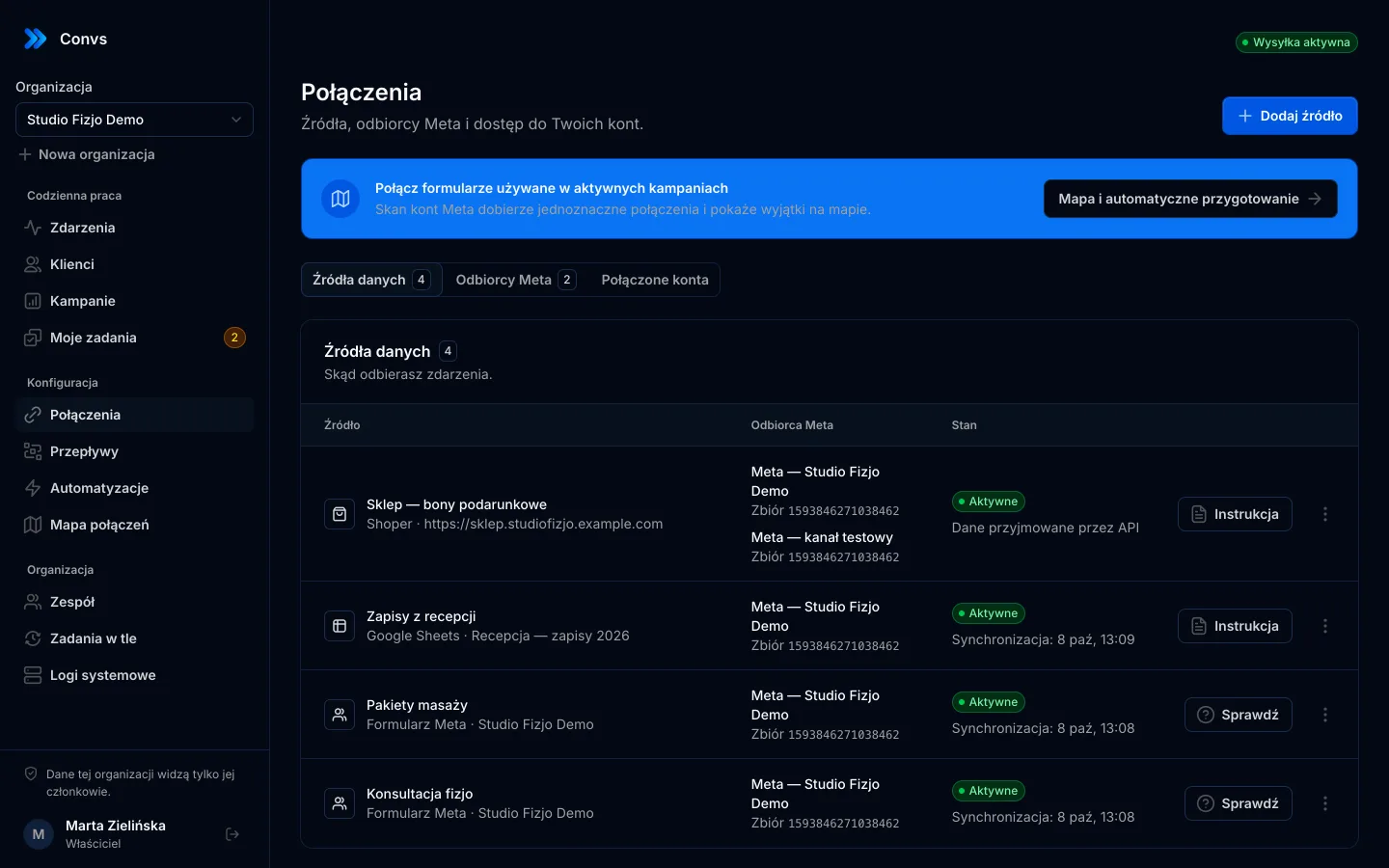
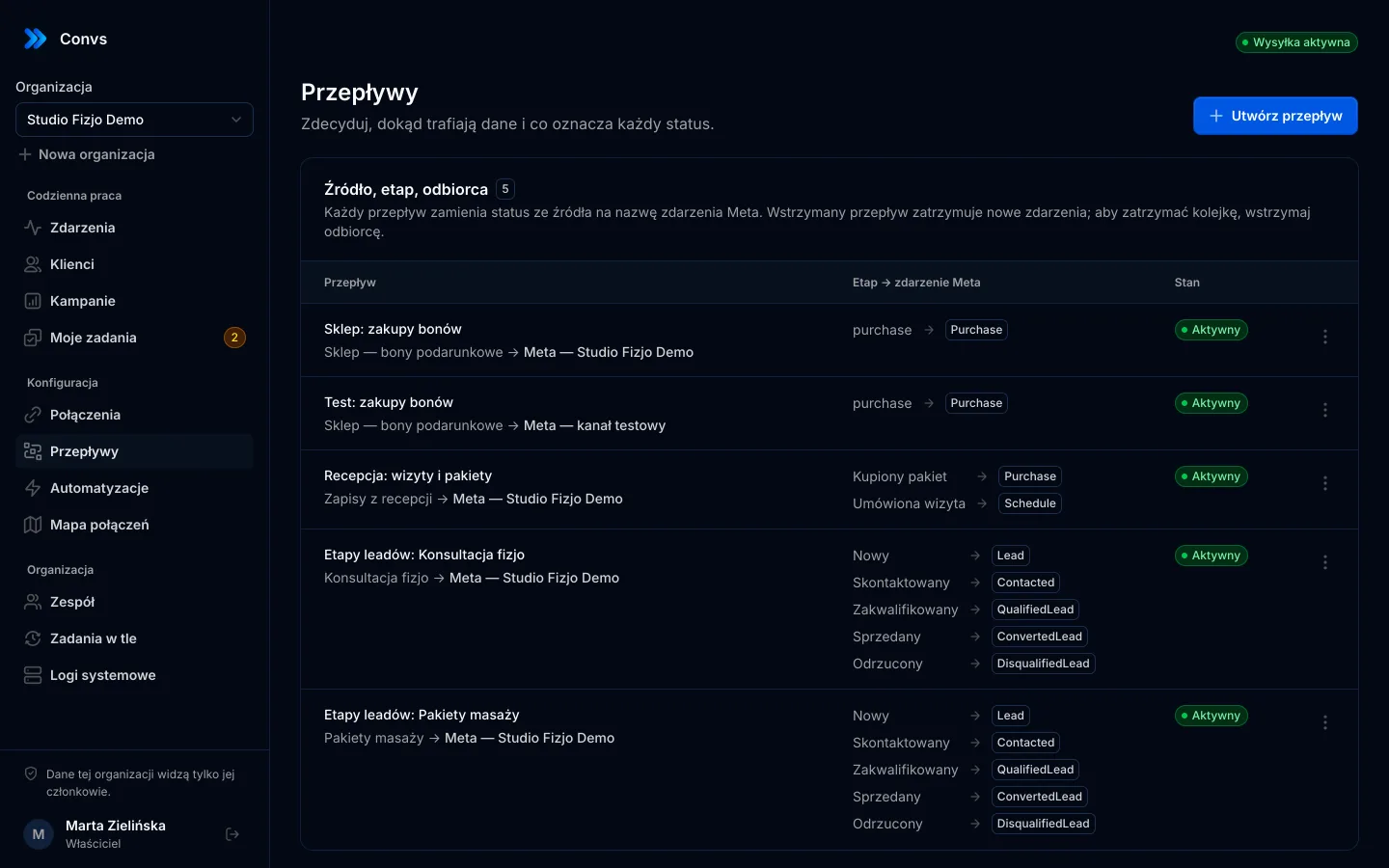
Convs is the third kind. It collects conversions from Google Sheets, confirmed online store orders and Meta Instant Forms leads, then delivers them through a durable queue. You set up a flow that says which source status maps to which Meta event.
What does the queue do when something fails?
An integration that fires once and forgets loses data on every network glitch. In Convs, each event waits in a durable queue until Meta accepts it:
- network errors, server errors and Meta rate limits trigger up to 6 attempts with increasing delays
- every retry keeps the same
event_id, so Meta can deduplicate a repeat - the same business event (source, record ID, status) enters the queue once
- events older than 7 days are rejected up front with a clear message, rather than silently by Meta
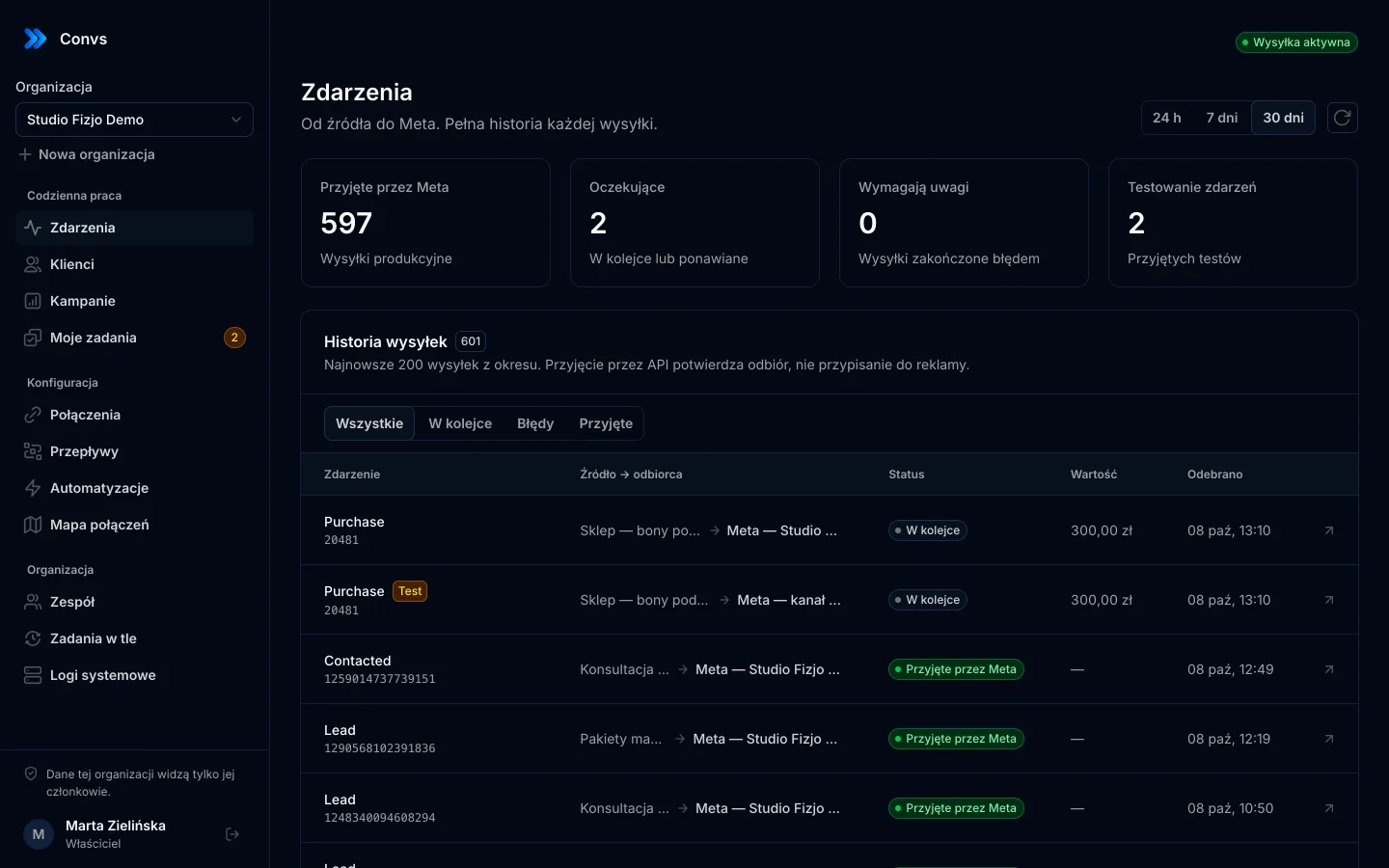
You can see the result of every delivery in the panel. "Accepted by Meta" means a response with events_received: 1, and nothing more.
Test first, then go live
Events Manager has a test tool: events sent with a test event code appear live and stay separate from production data. In Convs, test mode is a separate Meta destination with that code. Test and production keep separate deduplication, and moving to production means deliberately creating a production destination. See all delivery features on the Meta Conversions API feature page.
When is Convs the wrong tool?
Not everyone needs a separate tool, and it's better to say so.
- Your store already has a native Meta integration that sends server-side purchases with deduplication. Another tool for
Purchasealone adds nothing. - You need browser events such as product views or add-to-cart. Convs doesn't replace the Pixel or a tag manager and doesn't send browser events.
- You need mobile app events. Convs doesn't handle them.
- You only have conversions in a monthly export. Meta's 7-day limit rules that out anyway.
- Your team needs an English interface. The panel is currently available in Polish only.
If your sales close off the website, on the phone, in a CRM or in a spreadsheet, those are exactly the events that are hardest to get to Meta, and that's where an intermediary makes sense.
Next step
Start with one source in test mode: connect your Meta account, pick the Pixel, add a sheet or a form, and check in Events Manager that the test event arrived. Plans and limits are on the pricing page.
Frequently asked questions
Does the Conversions API replace the Meta Pixel?
No. Meta recommends implementing the Conversions API alongside the Pixel, not instead of it. The Pixel sees what happens in the browser; your server sees what actually happened, such as a paid order, a qualified lead or a closed deal. When both send the same event, you need deduplication.
Does Meta charge for the Conversions API?
Meta does not charge a separate fee for sending events through the Conversions API. The cost is building and maintaining the integration, whether that is your own server code, a partner, or a tool that sends events for you.
How far back can I send an event?
According to Meta's documentation, event_time can be at most 7 days before the event is sent. If any event in a request is older, Meta rejects the whole request. Physical store events follow separate rules described in Meta's offline events guide.
If Meta accepts my event, does that mean my campaign optimises for it?
No. A response with events_received only confirms that Meta received the data. It doesn't tell you whether the event matched a Meta account, whether any ad set uses it as a goal, or whether an ad caused the conversion. Check Events Manager and Ads Manager for that.
Which customer fields must be hashed?
Email, phone, first and last name, date of birth, gender and address fields are normalised and hashed with SHA-256. IP address, user agent, fbp, fbc and lead_id are sent unhashed. Hashing external_id is recommended.