Black Friday Lead Surge: How to Prepare Follow-Up So Leads Don't Go Cold
A Black Friday checklist for teams running Meta lead ads: lead assignment, texts within sending hours, a due task for every lead and a daily check of burned leads.
See it in 20 seconds
Short recordings of the panel with an example organisation, no sound.
On this page
- What breaks when leads suddenly multiply?
- How do you spread leads across the team during a peak?
- Which text should go out right away, and when?
- How do you give every lead a task with a due time?
- How do you check burned leads every day during Black Friday week?
- What should you check before November 27? A checklist
- How does Convs handle this?
- Limitations: what won't this checklist fix?
- Where should you start?
- Sources
Black Friday falls on Friday, November 27 this year. For businesses that collect leads through Meta lead forms, it means more than cheaper or pricier impressions: it means more submissions in less time. The ads usually cope with that better than the team does. This checklist is for the ten days before the peak: what to set up, who does what, and how to check every day that leads are not going cold.
What breaks when leads suddenly multiply?
Usually the callback queue, not the ads. A lead form works the same at ten or a hundred submissions a day, but the team does not call ten times faster. Leads wait, nobody knows who owns which, some get two calls and some get none. Preparation therefore starts with follow-up, not with budget.
Typical symptoms after a peak:
- leads with no owner, because "I thought Anna had it",
- evening and overnight leads that nobody called back the next day,
- customers who got a text but never a call,
- no answer to how many leads went cold and what they cost.
Each of these has one setting that prevents it. Here they are in order.
How do you spread leads across the team during a peak?
The safest option is offering each lead to the whole pool: several reps see it at once and whoever responds first takes it. You also need a rule for leads that nobody claims within a few hours. Round robin works when traffic is steady, but at a peak it easily stalls on a rep who is stuck in a meeting.
Three assignment methods during a peak:
| Method | Strength at peak | Risk at peak |
|---|---|---|
| Manual (a manager assigns) | Strength at peakFull control | Risk at peakThe manager becomes the bottleneck |
| Round robin | Strength at peakEven split | Risk at peakA lead waits for a rep who can't take it right now |
| Whole pool (first to claim) | Strength at peakFastest response | Risk at peakWithout an unclaimed-lead rule, some leads end up with no owner |
Whatever you choose, decide before the peak who is in the pool each day, who is off, who covers weekend leads and after how many hours an unclaimed lead goes to the manager. Keep it in one place the whole team can see.
Which text should go out right away, and when?
A short text that confirms the request and says what happens next: "Thanks, we'll call you back today before 6 pm." It goes out immediately during the day and in the morning for leads that arrive outside sending hours. Add a do-not-text list and a daily limit you know will hold up during the peak.
A few rules for Black Friday week:
- Sending hours. Pick a window, for example 8 am to 8 pm. Messages outside it wait until morning.
- Content. First name, company name, what happens next and when. No promises the team can't keep at double the volume.
- Limit. Check the daily limit in your tool and at your SMS provider. Compare it with your highest daily lead count in recent weeks.
- Opt-outs. Numbers that replied STOP or asked not to be texted must be skipped.
- Consent. The legal basis for texting is the same as always; the peak doesn't change it.
Consent and message content are covered in more depth in our article on automatic SMS to new leads.
How do you give every lead a task with a due time?
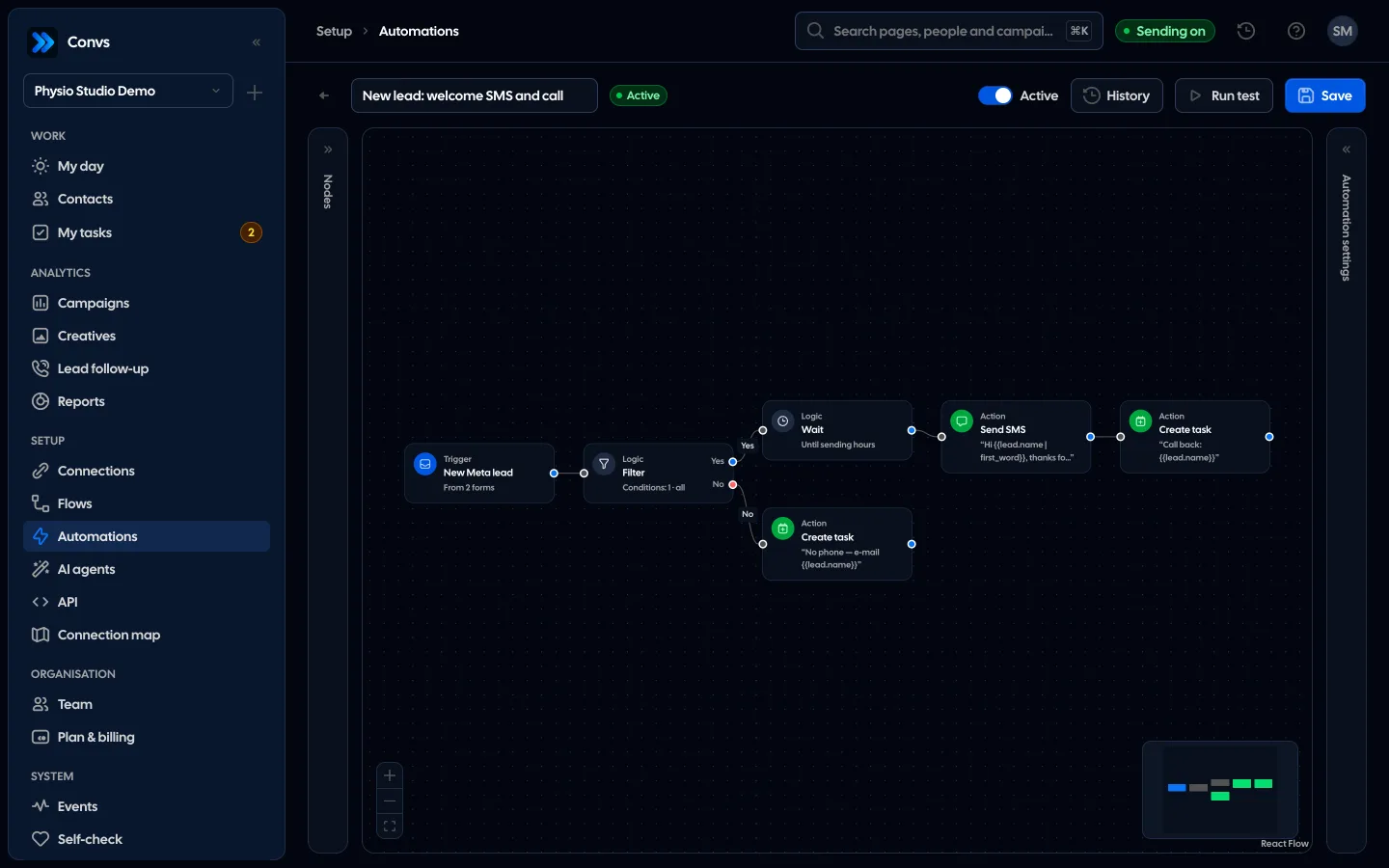
Automatically, the moment the lead arrives: a "Call …" task due in an hour or two, assigned to the lead's owner or the next person in the pool. The task stays on the list until someone closes it, so an evening lead doesn't disappear under the next morning's submissions.
Decide before the peak:
- due time (for example one hour during the day; next morning for evening leads),
- assignee (the lead's owner; if there isn't one, the next person in the pool),
- what "done" means (a call or meeting logged on the customer, not just a ticked box),
- what happens to overdue tasks (who reviews them every morning).
When leads go straight from Meta lead forms into a CRM, this whole chain can start on its own. How to shorten the path from form to CRM is covered in our article on Meta lead ads to CRM.
How do you check burned leads every day during Black Friday week?
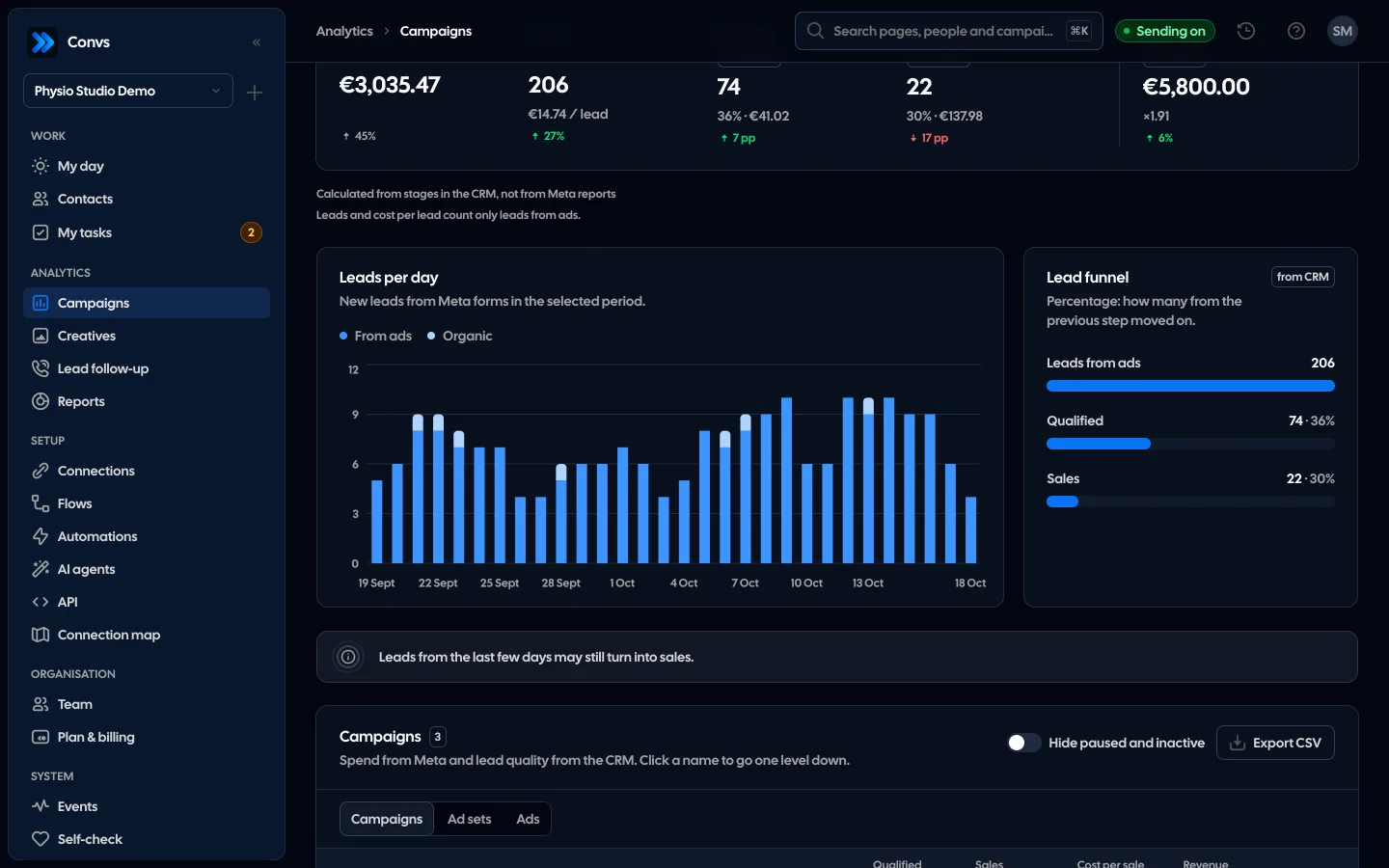
Once a day, at a fixed time, for ten minutes: how many of yesterday's leads got a first contact within the limit, how many were late, how many got none, and how much the burned ones cost. Look at the numbers per owner, not to find someone to blame, but to move leads before more of them go cold.
A suggested routine for November 23–30:
- The oldest lead still waiting for contact: who owns it and why it is waiting.
- Yesterday's share of leads handled within the limit.
- Burned leads (limit passed, no contact) and their cost.
- Overdue tasks per person, moved to someone with free time.
- Leads with no owner, or offered to the pool and not yet claimed.
Set the first-contact limit before the peak and don't change it during the week, or day-to-day comparisons stop making sense. How to choose the limit and which numbers to track across the team is covered in speed to lead. Count the cost of a burned lead the same way as cost per qualified lead: from the spend on the ad that brought it in.
What should you check before November 27? A checklist
Ten points you can tick off in one afternoon. If any of them stays at "not sure", that is the one most likely to fail at the peak. Write down who owns each point.
- Every active form in your Black Friday campaigns is connected to the CRM, and a test lead arrives.
- The rep pool for each day from November 23 to 30 is written down, including time off.
- Lead assignment works, and the unclaimed-lead rule has a set number of hours and a named person.
- The new-lead text has sending hours, current content and a working opt-out list.
- The daily SMS limit is above the expected peak, or you know what happens once it is reached.
- Every lead gets a task with a due time and an assignee.
- The first-contact limit is set and the team knows it.
- Someone reviews burned leads and overdue tasks every morning.
- Peak budgets are set in advance, without daily tweaks.
- CRM stages are updated as things happen, so you can tell afterwards what produced sales.
How does Convs handle this?
In Convs, the four pieces in this article are ready-made building blocks. Round robin, one by one or to the whole pool at once (first to take wins, with an "I'll take it" button), is switched on in Team. The trigger "Lead unclaimed after X hours" (1–168 hours, default 4) starts an automation when nobody has taken a lead. Texts go out only between 8 am and 8 pm in the organisation's time zone and wait until 8 am outside that window; the limit is 500 texts a day per organisation, after which steps wait for the next day. Numbers on the do-not-text list are skipped.
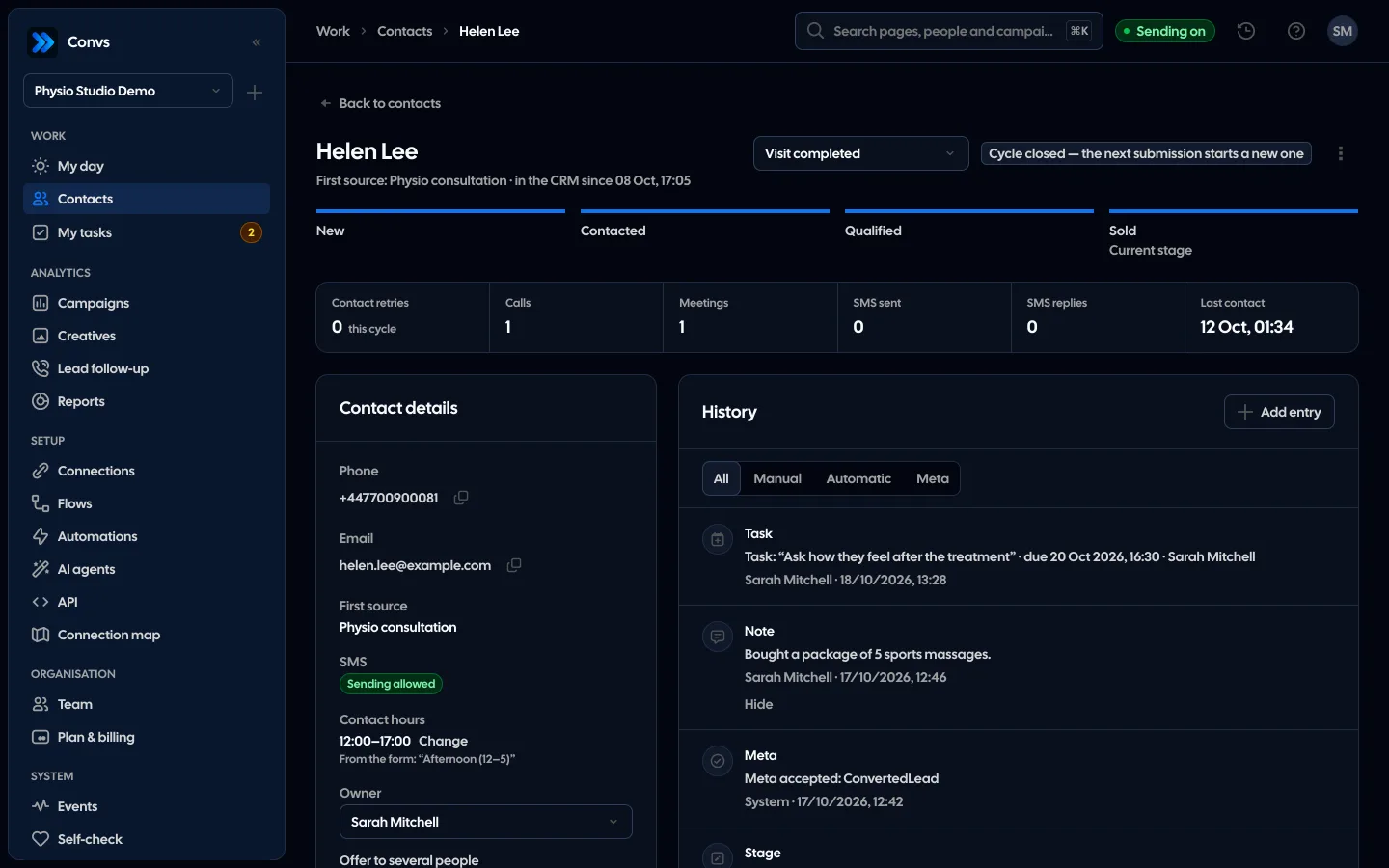
The "Create task" action sets a due time from 0 minutes to 30 days, optionally moved into 8 am to 8 pm, and assigns it to the owner, a chosen member or the next person in the pool. The Lead follow-up page splits leads into on time, late, burned and waiting, shows the oldest waiting lead, the spend behind each group and a per-owner table; the first-contact limit can be set from 1 to 168 hours. Automations and their templates are described on the Automations page.
Limitations: what won't this checklist fix?
It won't replace people. If more leads arrive than the team can call, automation only shows you sooner which ones went cold. The decision then is more people, a narrower campaign or knowingly accepting the loss.
A daily SMS limit plus sending hours means some evening leads get their text in the morning. That is deliberate, but you should know it. The checklist also says nothing about whether Black Friday makes sense for your business at all; you can only judge that from CRM stages once you count the cohort of leads from that week.
Where should you start?
Today: write down the rep pool for November 23–30 and send a test lead through every active form. Tomorrow: set up the text, the task and the unclaimed-lead rule. The day before the peak: agree who does the daily review, and when.
Sources
- Meta Business Help: About the learning phase (about 50 results in the week after a significant edit; avoid frequent budget changes)
About the author
Aleksander
Founder of Convs.io, BooksyAudit.pl and SMSPortal.app
Founded Convs.io, BooksyAudit.pl and SMSPortal.app. In the knowledge base he explains how to send leads, CRM stages and sales back to Meta and how to measure what a customer from ads costs.
All articles by the authorFrequently asked questions
Should we text new leads at night?
Better not. A text at 11:40 pm can feel intrusive, and nobody will call back before morning anyway. Set sending hours, such as 8 am to 8 pm, and let messages outside them wait until the morning. The lead still gets the text first thing, before the team starts calling.
What happens when the daily SMS limit runs out?
Later messages wait until the next day, so some leads get their text late. Before the peak, check your highest daily lead count from last year or recent weeks and compare it with the limit in your tool and at your SMS provider. Call tasks for reps don't depend on the SMS limit.
Should we change campaign budgets during Black Friday week?
Meta advises against frequent budget changes, because they can send an ad set back into the learning phase, which usually ends after about 50 results in the week after the last significant edit. If you plan a higher budget for the peak, set it early and once rather than adjusting it every day.
How do we avoid texting someone who opted out?
Keep a list of numbers you must not text and check it before every send. A number that replied STOP, or asked on the phone not to be texted, goes on the list immediately. Before the peak, review that list and make sure your automation actually uses it.
Does an automatic text replace a call from a sales rep?
No. The text confirms the request arrived and says when someone will call. The first real contact is a call or a meeting. That is why every lead should also get a task with a due time for a specific person on the team.