Speed to lead: how to measure lead response time, set a limit and review the team
What speed to lead means, when the clock starts and stops, what doesn't count as contact, how to pick a first-contact limit and which numbers to review weekly.
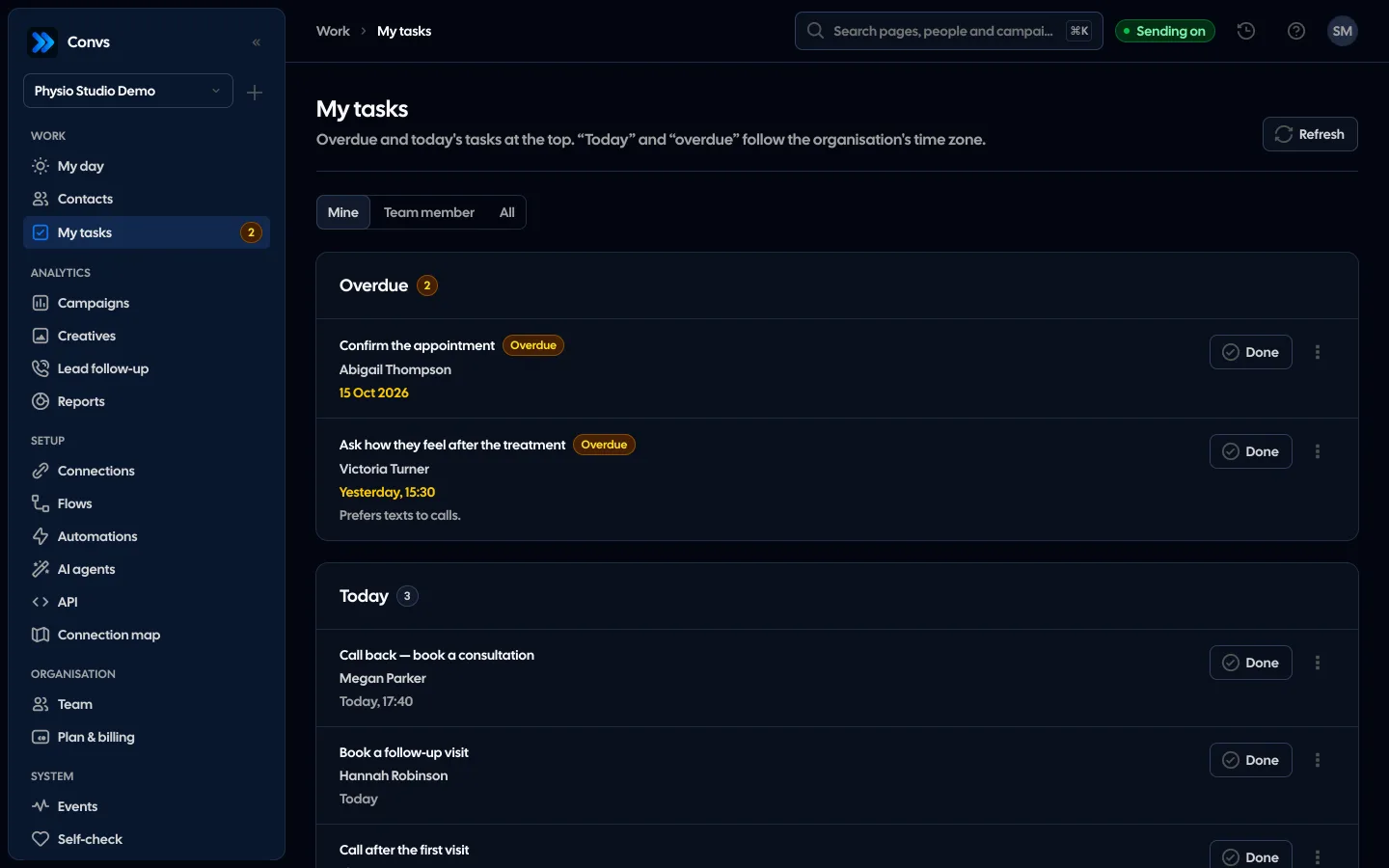
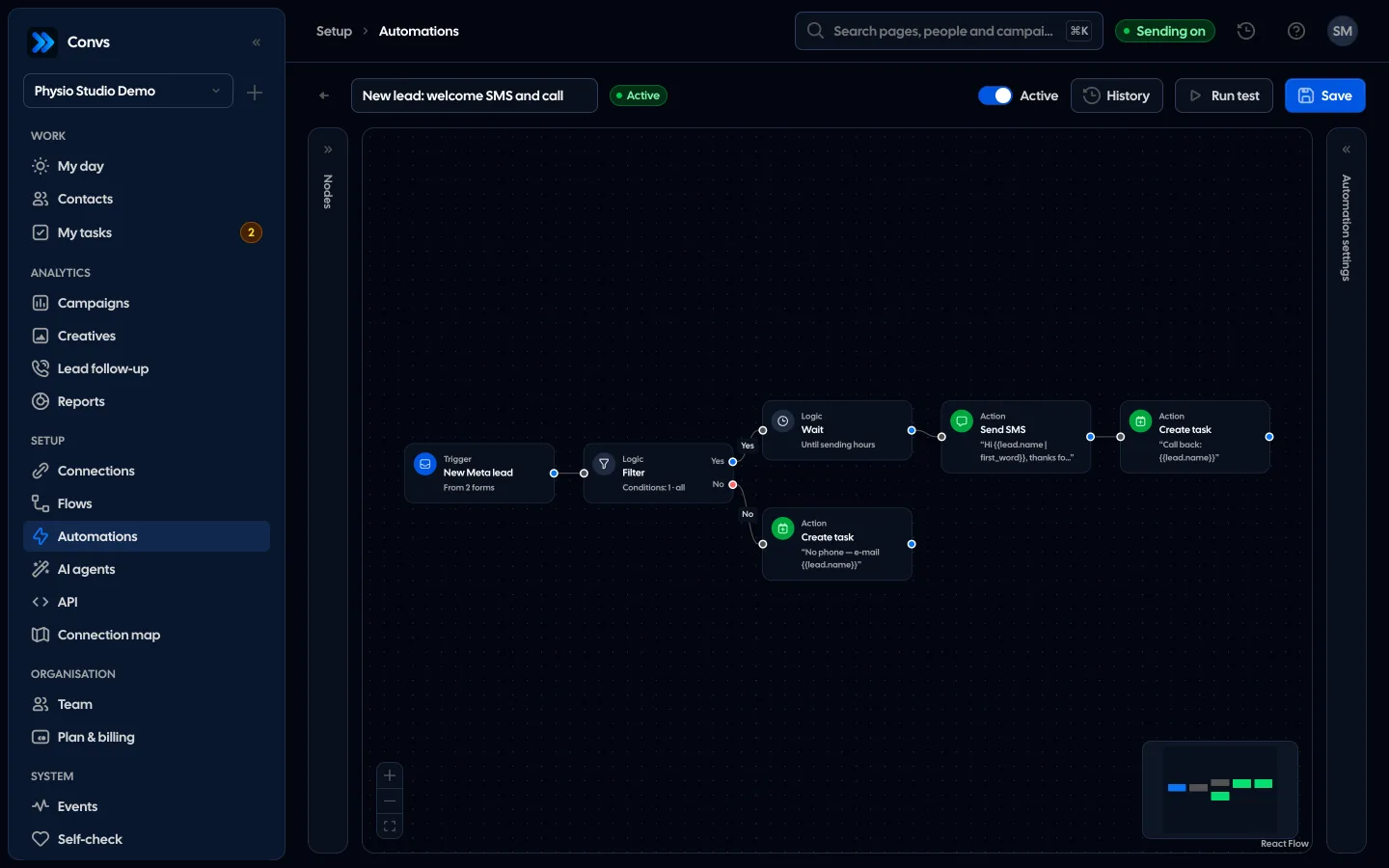
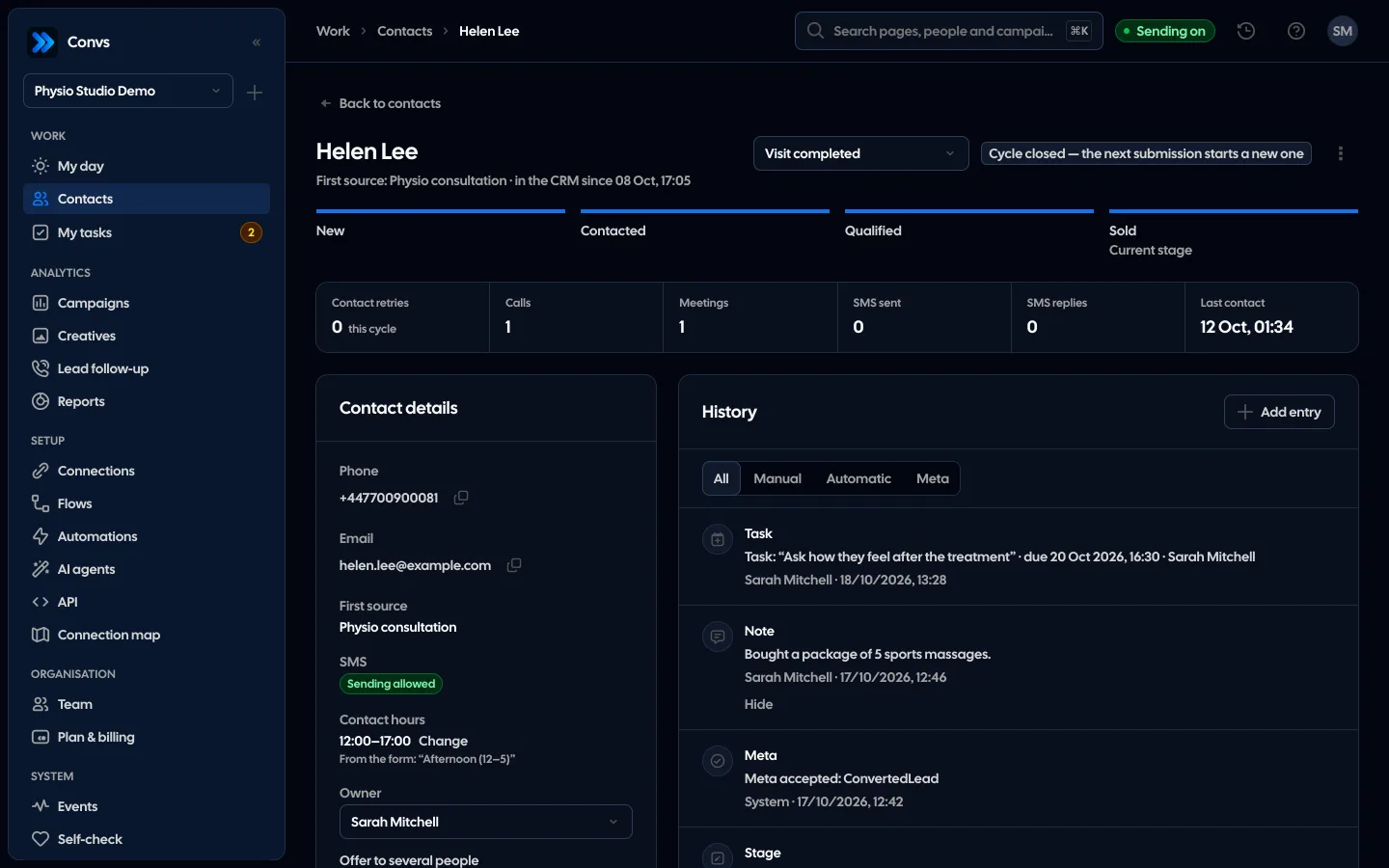
See it in 20 seconds
Short recordings of the panel with an example organisation, no sound.
On this page
A Meta lead form takes seconds to fill in. Everything after that is your team's job, and it decides whether the person picks up the phone at all. This guide defines lead response time, shows how to measure it without fooling yourself, helps you choose a limit, and suggests a weekly review that changes behaviour instead of assigning blame.
What is speed to lead?
Speed to lead is the time between a person submitting their details and the first real contact with someone from your business: a phone conversation, a meeting, or a stage change logged after talking to them. An automatic message, a CRM note or simply assigning an owner doesn't stop the clock, because the lead still hasn't spoken to anyone.
You'll also see it called lead response time or time to first contact. The name matters less than agreeing on one definition and writing it down. Without that, one rep counts an unanswered call as contact, the manager counts only real conversations, and the spreadsheet report uses the time somebody pasted the lead into a row.
The metric has two sides. Speed is how long a typical lead waits. Coverage is how many leads never hear from you within a reasonable time. A team with a fast median but one lead in five left untouched has a bigger problem than its average suggests.
Why does lead response time matter?
Most people who fill in a Meta Instant Form weren't actively shopping; they tapped an ad between other things. The longer they wait, the less they remember what they asked about, and the more likely a competitor calls first. Calling fast won't rescue a weak offer, but calling slowly can waste a good ad.
The source people usually cite is "The Short Life of Online Sales Leads" by James Oldroyd, Kristina McElheran and David Elkington (Harvard Business Review, 2011). Its public summary says that most companies are not responding to online enquiries nearly fast enough. The study's figures sit behind a paywall, and the multipliers that circulate online in its name can't be checked against the public text, so we don't repeat them here.
Your own numbers are a safer guide anyway. Track response time and the stage each lead reaches for a month, and you'll see whether leads contacted within the first hour qualify more often than leads called the next day. That tells you more than someone else's average from another market and another decade.
When does the clock start and stop?
Start the clock when the person submits the form in Meta, not when the lead lands in your spreadsheet or CRM. Stop it at the first human contact: a call, a meeting, or a stage change entered after a conversation. Integration delay is part of response time, because the customer is waiting either way.
This matters most when leads reach the team late, for example when somebody downloads a CSV from Ads Manager once a day. According to Meta's lead retrieval guide, webhooks deliver real-time updates about new leads with a delay of up to a few minutes. If your leads appear once a day, half your "response time" happens before anyone sees them. Moving leads across as they arrive is covered in our guide to getting Meta lead ads into a CRM.
| Event | Stops the clock? | Why |
|---|---|---|
| Phone conversation | Stops the clock?Yes | WhyThe lead talked to a person |
| Meeting | Stops the clock?Yes | WhyThe lead met someone from your team |
| Stage change after a call (e.g. to "Contacted") | Stops the clock?Yes | WhyThe stage records that contact happened |
| Automatic welcome text | Stops the clock?No | WhySent by a system, no conversation |
| CRM note | Stops the clock?No | WhyNotes can be added without contacting anyone |
| Owner assigned | Stops the clock?No | WhyThat's organising work, not contact |
Unanswered calls are a policy decision. If you count them, log them as calls and also track how many attempts it takes. If you don't, the clock keeps running. Either way, pick one rule.
One more trap: someone who comes back through a second form months later. That's a new cycle and deserves a fresh measurement, not a link to a conversation from last spring.
What first-contact limit should you set?
The limit is a business decision, not a number from a textbook. Choose one your team can meet for the large majority of leads in an ordinary week, nights and weekends included. Starting with a limit that works and tightening it monthly beats setting an ambitious target in minutes that everyone quietly ignores.
Four questions help you land on a number:
- When do leads arrive? If many come in during the evening, a limit shorter than a night guarantees those leads will be late.
- Who calls, and how many leads do they get a day? One person with forty leads won't reach each of them in fifteen minutes.
- Is anyone on call at weekends? If not, lengthen the limit or report weekends separately.
- What does last month's data say? Look at your median. Set the first limit a little below it, not ten times shorter.
A limit in plain clock hours is simple and honest towards the customer, who waits through the night too. A limit counted only in working hours is kinder to the team, but harder to calculate in a spreadsheet and easier to use for hiding an evening-lead problem.
Which lead response time metrics should the team track?
Five numbers are enough: the share of leads contacted within the limit, the median time to first contact, the spread of response times in buckets, the number of burned leads, and the ad spend behind them. Look at each for the whole team and per rep. The median tells you more than the arithmetic mean.
- On-time share. Count only leads whose outcome is known. A lead still inside its limit shouldn't push the figure up or down.
- Median. One lead answered a week late can wreck a month's average. The median shows the typical case.
- Buckets. For instance up to 1 hour, 1–4 hours, 4–24 hours and over a day. You can see at once whether you have a few outliers or a whole group of next-day calls.
- Burned leads. No contact, limit passed. Treat it as a to-do list, not just a count.
- Cost of burned leads. The ad spend that produced leads nobody spoke to.
How do you price a burned lead?
Take the cost per lead of the ad that brought it: that ad's spend in the period divided by its number of leads. Add it up for every burned lead. If an ad has no spend data, the period's average cost per lead is a reasonable stand-in, as long as you mark the result as an estimate. Organic leads have no ad cost.
Example (example data):
| Rep | Leads | On time | Median | Burned | Cost of burned |
|---|---|---|---|---|---|
| Priya | Leads38 | On time89% | Median35 min | Burned3 | Cost of burned$27 |
| Tom | Leads41 | On time63% | Median4 h 50 min | Burned12 | Cost of burned$108 |
| No owner | Leads8 | On time25% | Median21 h | Burned6 | Cost of burned$54 |
In this example the biggest issue isn't anyone's pace; it's the "No owner" row, leads that sat on nobody's list. That's much easier to spot in a table than from a general feeling that "we're a bit slow". For why cost per lead alone misleads, see our piece on cost per qualified lead.
How do you review the team weekly without a blame game?
Once a week, spend fifteen minutes going through last week's numbers together: on-time share, median, burned leads and the oldest lead still waiting. Look for causes in the process before looking at individuals. Most delays have a structural reason, such as unassigned leads or evening spikes, rather than someone not trying.
A simple agenda:
- Leads without an owner. If there are any, agree how leads get assigned before discussing anyone's speed.
- Time of day. Are burned leads mostly evenings and weekends? A rota, a morning task or a longer limit will help more than a warning.
- Workload. Is one rep getting twice as many leads as the others? Rebalance.
- The oldest waiting lead. Someone takes it straight after the meeting.
- One change per week. One concrete change with one owner. Next week, check whether it worked.
An automatic text right after the form helps too: the lead knows someone will call, and the team buys a little time. It still doesn't stop the clock. Our guide to speed-to-lead SMS automation covers sending hours and consent. And if leads are reached quickly but few of them ever qualify, look at the form itself: see why Meta lead forms bring low-quality leads.
How it works in Convs
In Convs this is the Lead follow-up page. Every Meta form lead in the chosen period gets a status: On time, Late, Burned (no contact and the limit has passed) or Waiting (no contact yet, still within the limit).
First contact is the earliest call, meeting or stage change logged on the person from the lead's time until their next cycle. Notes and automatic texts don't count; an automatic text appears as a separate flag. An owner or admin sets the first-contact limit between 1 and 168 hours; the default is 12. The limit is plain hours from the moment the lead arrives.
The page shows the on-time share (leads still waiting are left out), median response time, buckets of up to 1 h, 1–4 h, 4–24 h and over 24 h, the oldest waiting lead, money spent on leads in each status (from the ad's cost per lead, or the period average marked as estimated when the ad has no spend rows), a per-owner table and a lead table with CSV export: up to the 500 newest leads, newest on top, sortable by every column (for example status from the most urgent). Owners are assigned on the person record by hand or in turn (round robin), and tasks with a due time show up on "My tasks".
Day to day, a sales rep starts on the My day page. It is one list in a fixed order: calls booked for this hour first, then new leads nobody has contacted yet (longest waiting on top, with the waiting time and "Take it" for leads offered to several people), then next attempts to people who did not pick up, overdue tasks and the rest of today. When the client gave contact hours in the form, such as "after 5 pm", next attempts land inside them, while the first call still goes out at once.
Limitations
- Response time isn't lead quality. A fast call to someone who typed a random number achieves nothing. Read speed next to the share of qualified leads.
- You only measure what gets logged. A call from a personal phone that nobody records looks like no contact at all. The metric depends on logging calls or stages consistently.
- A clock-hours limit punishes nights. Without an on-call rota, some leads will always be late. That's information, not a verdict: change the process, or knowingly set a limit longer than a night.
- No outside benchmark. We don't quote industry averages because we couldn't find any we could verify at the source. Your benchmark is your own last month.
- The cost of a burned lead is an approximation. It uses the ad's average cost per lead, not what that particular customer was actually worth.
Next step
Take the leads from the last 7 days and write down two times for each: when it arrived and when someone first spoke to the person. Work out the median and count the leads nobody reached. That's your baseline for choosing a limit. To see how Convs measures response time for every lead, visit the Lead response time page.
Sources
- Harvard Business Review: The Short Life of Online Sales Leads (Oldroyd, McElheran, Elkington, 2011; public summary only)
- Meta for Developers: Retrieving Leads (real-time webhook updates for new leads, delay of up to a few minutes)
About the author
Aleksander
Founder of Convs.io, BooksyAudit.pl and SMSPortal.app
Founded Convs.io, BooksyAudit.pl and SMSPortal.app. In the knowledge base he explains how to send leads, CRM stages and sales back to Meta and how to measure what a customer from ads costs.
All articles by the authorFrequently asked questions
Does an automatic welcome text count as first contact?
No. A text sent by an automation tells the lead their request arrived, but nobody on your team has spoken to them yet. Track it separately as a helpful signal, and count only a call, a meeting or a stage change after a conversation as first contact.
Is five minutes really the standard?
It is a popular number, but we couldn't find it in the publicly available part of the Harvard Business Review article it is usually credited to. There is no single standard across industries. Set a limit your team meets for most leads, then shorten it once results are steady.
What is a burned lead?
A lead nobody contacted before your first-contact limit ran out. It doesn't mean the customer is lost, only that the team missed its own rule. Count burned leads together with the ad spend that bought them, so the number has a price attached.
How should nights and weekends count?
The simplest rule is plain clock hours from the moment the lead arrives, with a limit long enough to cover a night, for example 12 or 16 hours. If nobody works weekends, either report weekend leads separately or set up an on-call rota. Whatever you choose, use one rule for everyone.
How much does a burned lead cost?
What it cost to get: the ad's spend divided by the number of leads that ad produced. Add that up across all burned leads in a period and you see how much ad budget reached nobody. Organic leads carry no ad cost.