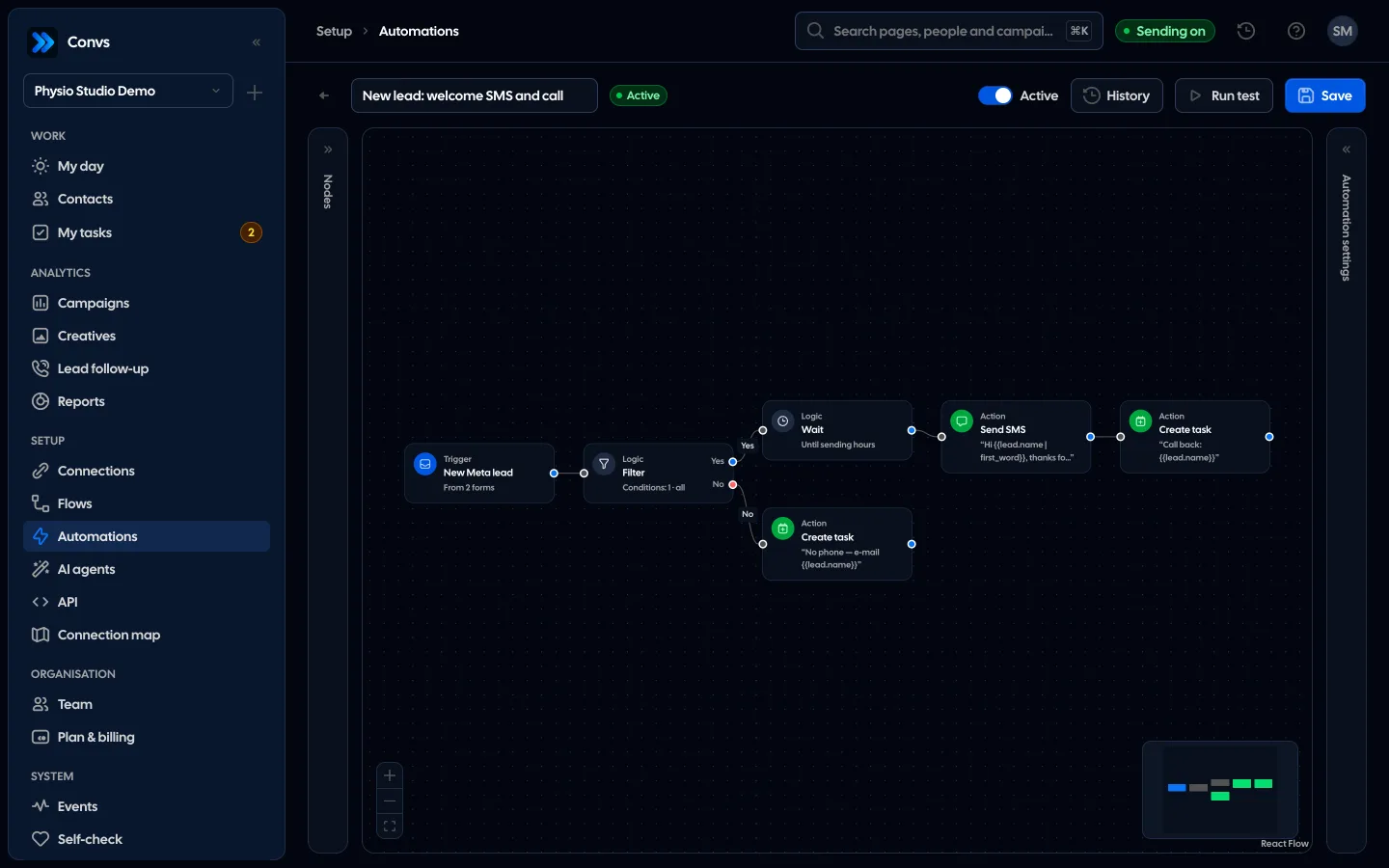
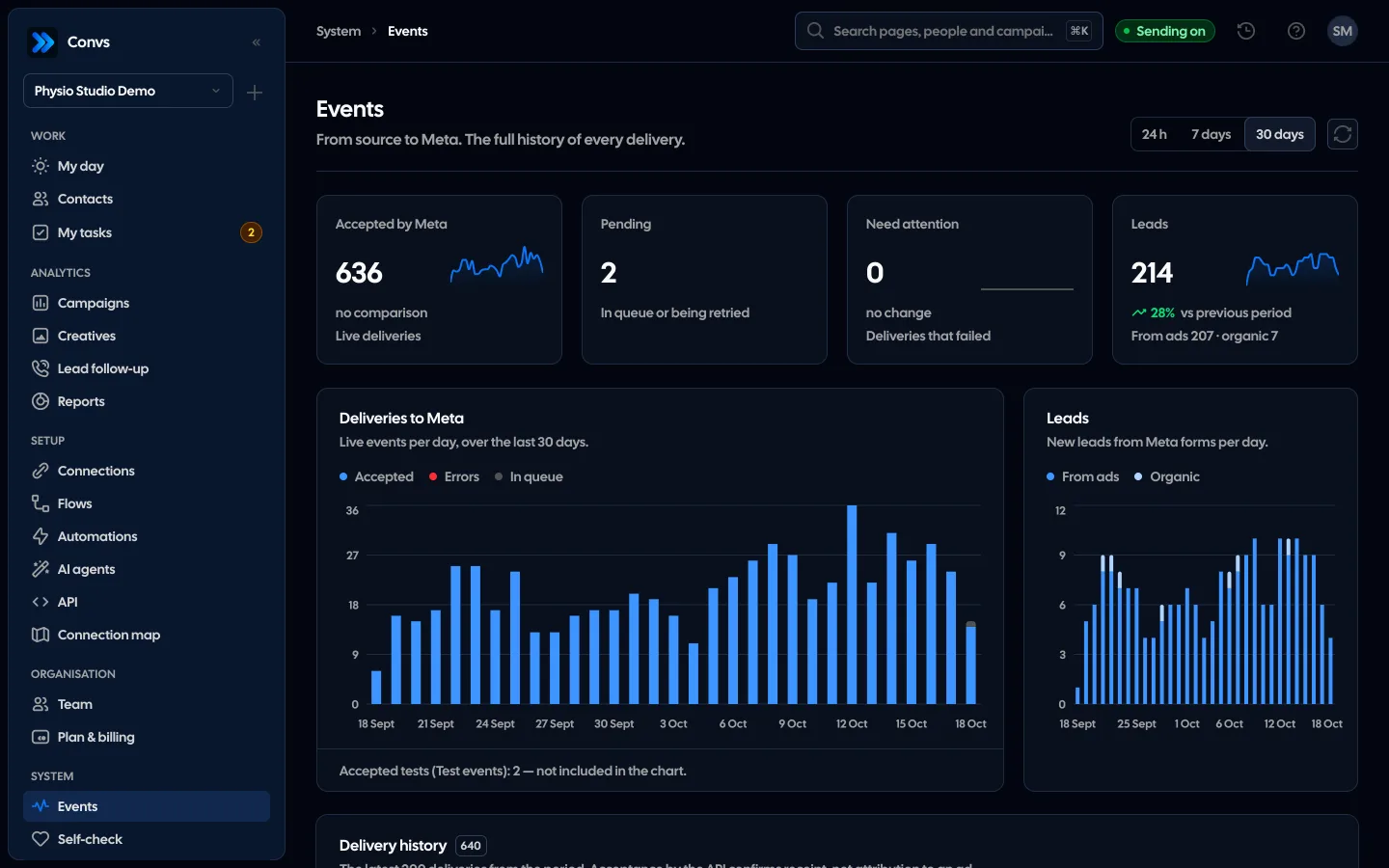
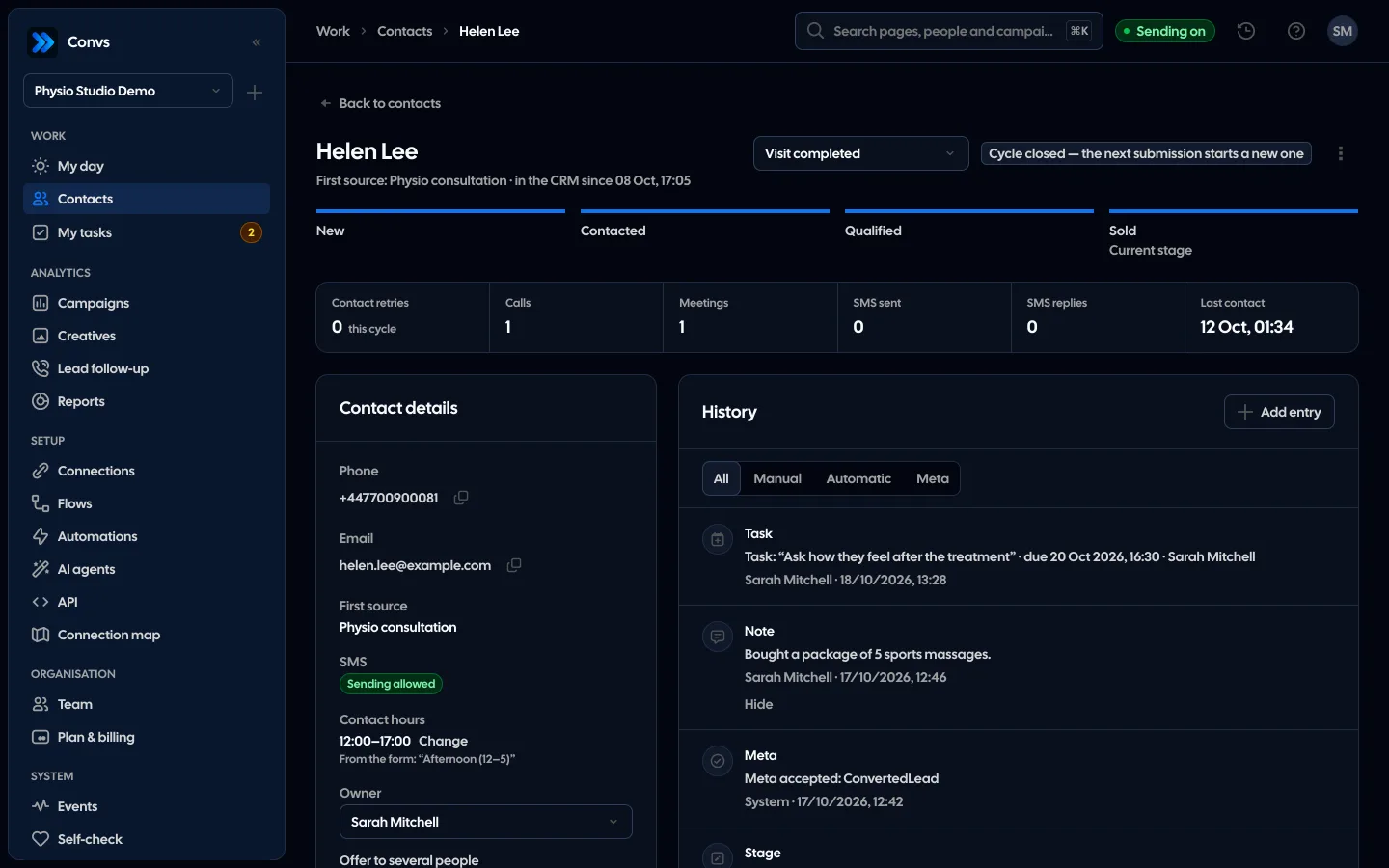
Before Your Busiest Week: a 30-Minute Check of Forms, Meta Sending and Access
A 30-minute procedure before a peak: a test lead through every form, a CRM event test in Events Manager, Meta login expiry, and what not to change in your ad sets.
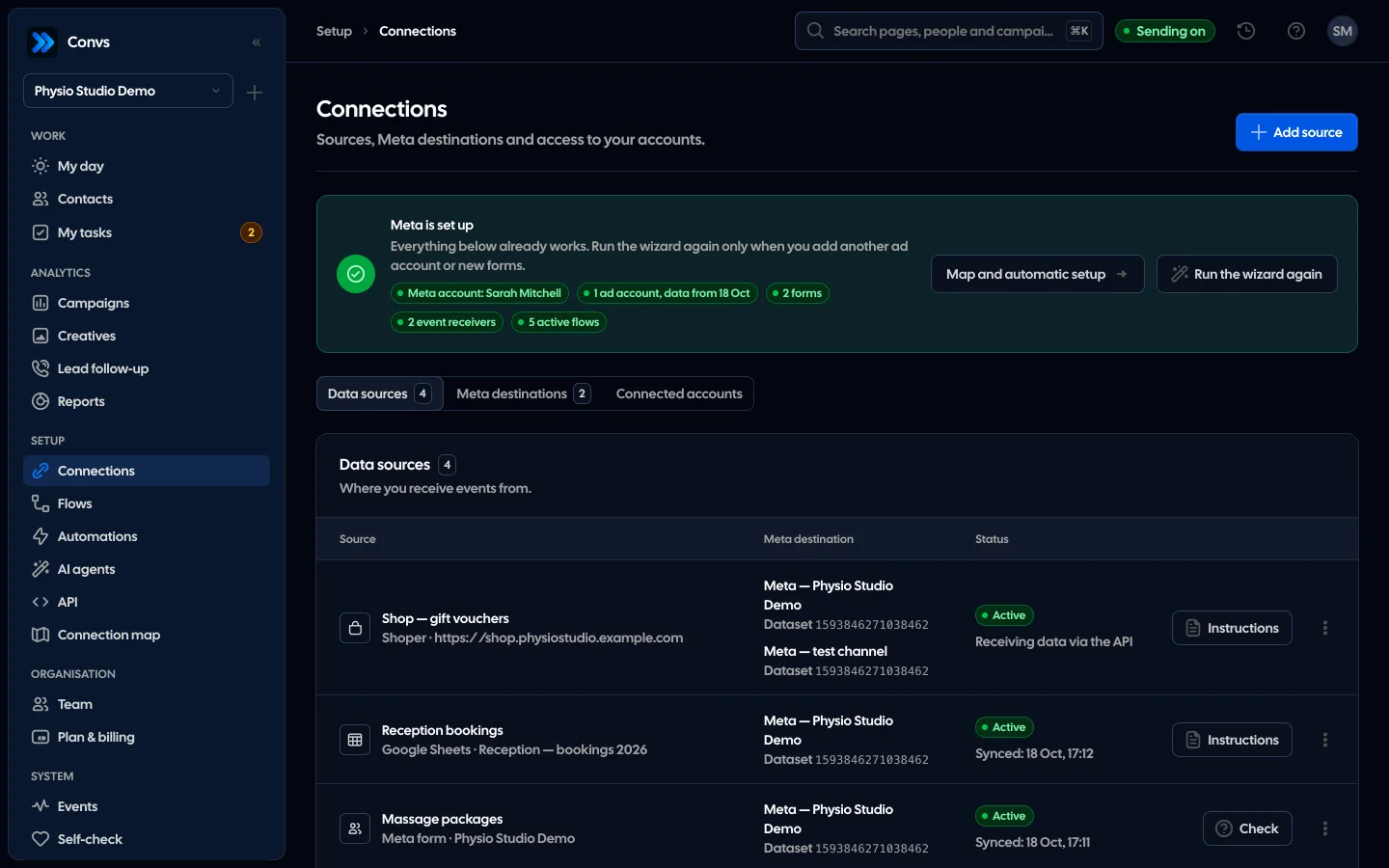
See it in 20 seconds
Short recordings of the panel with an example organisation, no sound.
On this page
- What should you check before your busiest week?
- How do you send a test lead through every form?
- How do you test CRM stages in Events Manager?
- Will your Meta logins expire during the peak?
- What shouldn't you change in your ad sets right before a peak?
- A printable checklist
- How does Convs handle this?
- Limitations: what won't this check catch?
- Where should you start?
- Sources
The worst time to find out that a form isn't connected to your CRM is Friday morning of your busiest week. That is why this check happens a few days earlier, on a quiet day, and takes about 30 minutes. This article is a step-by-step procedure: what to click, what to look at and what to leave alone right before the peak. It complements our Black Friday follow-up checklist, which covers the team side.
What should you check before your busiest week?
Four areas: every active form, stage sending to Meta, login and access expiry, and team coverage. Each takes a few minutes to check, and each can fail quietly without an error message. Run the check a few days before the peak so there is time to fix what you find.
| Step | Time | What you check |
|---|---|---|
| 1. List of forms | Time5 min | What you checkWhich forms run in your peak campaigns |
| 2. Test lead | Time10 min | What you checkThat every form reaches the CRM |
| 3. CRM stage test | Time5 min | What you checkThat stages reach Meta with the right names |
| 4. Logins and access | Time5 min | What you checkThat nothing expires mid-week |
| 5. Change freeze and team | Time5 min | What you checkWho does what, and what not to touch |
How do you send a test lead through every form?
With Meta's Lead Ads Testing Tool: pick the Page and the form, create a lead and check that it reached your CRM. Meta allows one test lead per form; to create another, delete the previous one. A lead from the tool is organic and is not associated with any ad.
Before you start, list the forms used by ads that will run during the peak, including scheduled ones. A form added at the last minute is the most common form with no CRM connection. Then, for each one:
- In the tool, choose the Page and the form, and in the preview enter your own name, phone and e-mail.
- Create the lead and wait a moment. The tool shows the webhook delivery status (pending, success, or failed with an error code).
- In the CRM, check the lead is there with its form answers, an owner and a task, and that the text arrived if you send one.
- Delete the test person from the CRM so it doesn't skew your follow-up numbers.
If the lead didn't arrive, the problem is usually the Page's connection to the integration or a permission. How leads reach a CRM and which permissions you need is covered in our article on Meta lead ads to CRM.
How do you test CRM stages in Events Manager?
Events Manager has a CRM path under Test Events that generates a test lead ID. You move that lead through the stages in your CRM and watch whether each event shows up in Meta with the name your funnel expects. That checks the whole route, from the stage change to Meta receiving the event.
If your integration sends events with a test code (test_event_code), keep two things from the Conversions API documentation in mind. The code is for testing only and has to be removed from production payloads. Events with the code are not dropped: they flow into Events Manager and are used for targeting and measurement. A test is not pretend.
While you're there, check:
- Event names. Do the stages you send have the same names as in your configured funnel?
- Lead ID. Does each event carry the original lead ID from the form?
- No duplicates. Does the same stage arrive only once? The rules are in our article on event deduplication.
Remember: an event Meta accepted is an event Meta received. It is not proof that a campaign optimises on that data.
Will your Meta logins expire during the peak?
Check it directly, because an expired login stops lead fetching and sending without a loud error. A long-lived Meta user token generally lasts about 60 days. If your integration runs on a person's login, renew it now if it expires within the next few weeks. Other faults that stop leads without an error message are listed in silent lead integration failures.
Check access while you're at it:
- Who is an admin of the Page, the ad account and the dataset? At least two people who work on the campaigns.
- Whose login keeps the integration running? If that person is away during the peak, move the integration to someone who won't be.
- Do the agency and the client have the access they need, and no more? How agencies should set up access is covered in our article on Meta reporting for agencies.
What shouldn't you change in your ad sets right before a peak?
Significant edits that send an ad set back into the learning phase. Meta says an ad set usually exits learning after about 50 results in the week after its last significant edit, and advises against frequent budget changes. Launch new creatives, budgets and forms a few days early, and on the day before, just watch.
In practice, before the peak:
- don't swap the form in a running ad (a new form is also a new CRM connection),
- don't change the event an ad set optimises for,
- don't change the dataset your stages go to,
- set the peak budget early, and once.
A printable checklist
One page to tick off on the day of the check. Write a name and a date next to each point. If something fails, write down who fixes it and by when.
- List of forms in peak ads, scheduled ones included.
- A test lead from every form reached the CRM with its answers.
- The lead got an owner, a task and a text (if you send one).
- Test people deleted from the CRM.
- Stages from the CRM test lead visible in Events Manager with the right names.
- Test code removed from production sending.
- Meta logins valid at least until the peak is over.
- Two people with admin rights to the Page, the ad account and the dataset.
- Significant ad set edits done; further ones on hold until after the peak.
- The team knows who is on duty and who does the daily review.
How does Convs handle this?
Self-check reviews the whole setup when you click "Check now" (up to 6 times an hour): Meta and Google accounts (including logins that have expired or expire within 7 days), Meta forms (a paused form, access to the Page, form and leads, no flow, no leads for 7 days while spending), and sending to Meta (sending off, test mode, refused or stuck sends, and Meta's own dataset statistics compared with accepted sends). Every finding links to the place where you fix it. A Meta login in Convs doesn't refresh itself, so an expiry warning deserves attention.
"CRM test" takes the lead ID generated in Events Manager, reads that lead through your connected forms, saves it like a real lead and sends its stages through the normal queue. It won't run for a receiver in test mode, when sending is off, or without an active form flow. The Meta configuration report lists the dataset's events from the last 28 days and the ad sets that optimise on it, without claiming the CRM funnel in Meta is verified. More on the Meta Conversions API page.
Limitations: what won't this check catch?
A test shows the route works today. It doesn't guarantee nobody swaps a form or removes a permission tomorrow, so repeat the form check at least once during the peak week.
The check also says nothing about whether your campaigns optimise on CRM stages. You see that in the ad set settings and in Ads Manager results, not in the fact that an event arrived. More on what the Conversions API does and doesn't do in what is the Meta Conversions API.
Where should you start?
Block 30 minutes in your calendar for next Tuesday or Wednesday, print the list from this article and start by listing your forms. If a test fails, you still have a few days to fix it.
Sources
- Meta for Developers: Lead Ads Testing and Troubleshooting (one test lead per form, organic lead, not available in development mode)
- Meta for Developers: Using the Conversions API (
test_event_codefor testing only; test events are not dropped) - Meta for Developers: Get long-lived tokens (long-lived token about 60 days)
- Meta Business Help: About the learning phase (about 50 results in the week after a significant edit)
About the author
Aleksander
Founder of Convs.io, BooksyAudit.pl and SMSPortal.app
Founded Convs.io, BooksyAudit.pl and SMSPortal.app. In the knowledge base he explains how to send leads, CRM stages and sales back to Meta and how to measure what a customer from ads costs.
All articles by the authorFrequently asked questions
Will a test lead show up in campaign results?
Meta describes leads created with the Lead Ads Testing Tool as organic leads that are not associated with any ad, so they shouldn't inflate ad results. Your CRM will still treat it like any other lead. Use your own details in the form and delete that person after the test.
Do I need to remove test_event_code after testing?
Yes. The Conversions API documentation says test_event_code is for testing only and must be removed from production payloads. Events sent with it are not dropped: they flow into Events Manager and are used for targeting and ads measurement.
How long does the learning phase take after an ad set edit?
Meta says an ad set usually exits the learning phase after about 50 results in the week after its last significant edit. Lead campaigns with fewer results may take longer, so make significant edits several days before a peak rather than the day before.
How many test leads can I create per form?
According to Meta's documentation, one per form. To create another, delete the existing test lead in the testing tool first. The tool also can't be used while the app is in development mode.
Who in the company should have admin access to Meta assets?
At least two people who work on the campaigns day to day, not just the person who connected everything once. If the only admin's login expires on a Friday evening, nobody else can renew it. Check this before the peak, not during it.