Meta Leads Stopped Arriving? 10 Silent Integration Failures and How to Catch Them
Expired access, a Page without a webhook, a new form nobody connected, test mode left on: 10 Meta lead ads integration failures that raise no error and how to check each.
See it in 20 seconds
Short recordings of the panel with an example organisation, no sound.
On this page
Your campaign is spending, Ads Manager keeps counting leads, and the CRM has been quiet since Thursday. Nobody got an error e-mail, because a Meta lead ads integration rarely fails loudly. It just stops delivering. Here are ten failures that behave this way, a quick check for each, and the setup that makes the next one announce itself.
How can you tell a lead integration has stopped working?
By numbers that drift apart, not by an alert. Compare the Results column in Ads Manager with the leads that reached your CRM for the same days. A handful of difference can come from time zones and timing. A day or two with zero new leads while the campaign is live is a failure until proven otherwise.
The second signal comes from people. A rep asks why it's so quiet this week, or a prospect calls to say they filled in your form and nobody got back to them. In both cases the lead usually exists in Meta. It just never reached the place where someone works it, and every hour of that gap adds to your response time, which we cover in the guide to speed to lead.
The cheapest routine is a weekly check of three numbers per form: leads in Ads Manager, leads in the CRM, and the date of the newest lead in the CRM. If the newest lead is several days old and the ad is spending, start with the list below.
What are the most common silent failures?
Ten causes come up again and again, whatever tool you use: expired login, revoked permissions, a Page without a webhook subscription, a paused source, a new form nobody connected, leads older than 90 days, changed questions, test mode, switched-off sending and events Meta rejects. The first seven stop or damage incoming leads; the last three break the way back to Meta.
1. The Meta login expired
The integration reads leads on behalf of one specific login. According to Meta's token documentation, a long-lived user token lasts about 60 days, and a Page token has no expiry date but can still be invalidated. If your tool doesn't renew access, reading simply stops one day.
2. Someone's permissions changed
Reading leads needs the leads_retrieval permission plus several Page permissions, and the token must come from a person who can advertise on the ad account, as the lead retrieval guide explains. One role removed from the Page, or one box unticked while logging in again, is enough.
3. The Page has no webhook subscription
Real-time leads arrive through the Page webhook. The leadgen webhooks guide says notifications are not sent unless the Page has your app installed, or when the Page has turned off the app platform. A tool that relies only on the webhook then receives nothing at all.
4. The source was paused
Somebody paused the form in the integration, or disconnected the account it was connected through. In some tools, disconnecting an account pauses every source that depends on it. It takes a second, and nobody notices until the CRM looks empty.
5. The ad now uses a new form
Someone duplicated the ad and created a fresh form on the way, or swapped in a version with new copy. For Meta that is a different form with its own ID. If your integration keeps a list of connected forms, the new one isn't on it, and its leads stay in Meta.
6. The leads are older than 90 days
Meta keeps leads available for download for up to 90 days after submission. If the integration was down for longer, the oldest leads are gone. This isn't a failure by itself; it's the deadline that turns every other failure into permanent loss.
7. The form questions changed
A new question, a renamed field, a different answer key. The lead arrives, but the integration maps fields by their old names, so the phone number or the qualifying answer ends up in an empty column or nowhere. It's doubly silent, because the lead count still matches.
8. The receiver was left in test mode
Now the return path: stages sent to the Conversions API. The Conversions API guide says test_event_code is for testing only and must be removed from production payloads. Leave it in and you keep sending test events while Events Manager looks perfectly busy.
9. Sending is switched off
A Zap turned off, a send switch disabled on the server, a paused receiver. Leads keep arriving and stages keep changing, but nothing goes back to Meta. Nobody notices until someone opens Events Manager and sees the last event was weeks ago.
10. Meta rejects the events
Per the server event parameters, one event with an event_time more than 7 days old makes Meta return an error for the whole request. One invalid event likewise rejects its batch. If the tool doesn't resend the valid ones separately, they are lost with it.
How do you check each one in two minutes?
Every one of the ten can be checked in a single place: the integration's settings, Events Manager, or one Graph API call. The table tells you where to look and what to do next. Run through it whenever you suspect a gap, and once a month as routine, starting with forms that have live ads.
| Failure | Where to look | What to do |
|---|---|---|
| 1. Expired login | Where to lookIntegration settings, Meta account status | What to doLog in again, set a reminder |
| 2. Permissions changed | Where to lookPage and ad account roles of the person who connected it | What to doRestore the role or reconnect with another login |
| 3. No webhook | Where to lookGET /{page-id}/subscribed_apps | What to doSubscribe the Page again |
| 4. Paused source | Where to lookSource list in the integration | What to doResume, then fetch the missed leads |
| 5. New form | Where to lookForms used by live ads vs connected forms | What to doConnect the new form |
| 6. Leads over 90 days | Where to lookDate of the oldest missing lead | What to doDownload what is still there, today |
| 7. Changed questions | Where to lookNewest CRM lead: phone and answers present? | What to doFix the field mapping |
| 8. Test mode | Where to lookEvents Manager: Test events vs overview | What to doRemove the test code from the receiver |
| 9. Sending off | Where to lookZap or receiver status, last event in the dataset | What to doSwitch it on, check the queue |
| 10. Rejected events | Where to lookIntegration error log | What to doFix the data, resend within 7 days |
For row 3, an empty data list means no app is installed on the Page. For row 8, remember that an event showing in Events Manager confirms receipt only; it doesn't prove that a campaign learns from it. For the basics of the connection itself, see what the Meta Conversions API is.
How do you recover missing leads?
Pull them straight away, while they are inside the 90-day window. You have three routes: a CSV download from Ads Manager or Meta Business Suite, a fresh read of the form through the API, or an import in a tool that offers one. After importing, check for duplicates, since some leads may have arrived by another route.
Order matters. Fix the cause first and import second, or new leads will keep slipping through while you tidy up. Treat recovered leads as warm but late: the person has been waiting, so the first call should acknowledge that. If you're redesigning the whole flow from form to CRM, the guide on getting Meta lead ads into a CRM walks through it.
If stages go back to Meta, keep the 7-day event_time limit in mind. A stage change on a lead recovered two weeks late is sent with the time the stage actually changed, not backdated to the original lead.
How do you make the next failure report itself?
Set up checks that compare what you expect with what happened: how many leads current spend should bring, when access expires, whether events still leave for Meta. An error log alone won't do it, because silent failures produce no errors. You need an alert for something missing.
In practice that means three alerts:
- "No leads" for any form whose ad is spending but hasn't produced a lead in several days.
- "Access expiring", ideally a week ahead, not on the day it breaks.
- Sends vs Meta's numbers: how many events your tool counted as accepted, and how many the dataset actually shows.
Then give one person those alerts and the rights to fix a connection. An alert nobody owns is just another quiet e-mail. And if leads do arrive but sales says they're poor, that's a different problem, covered in why Meta lead forms bring low-quality leads.
How does this work in Convs?
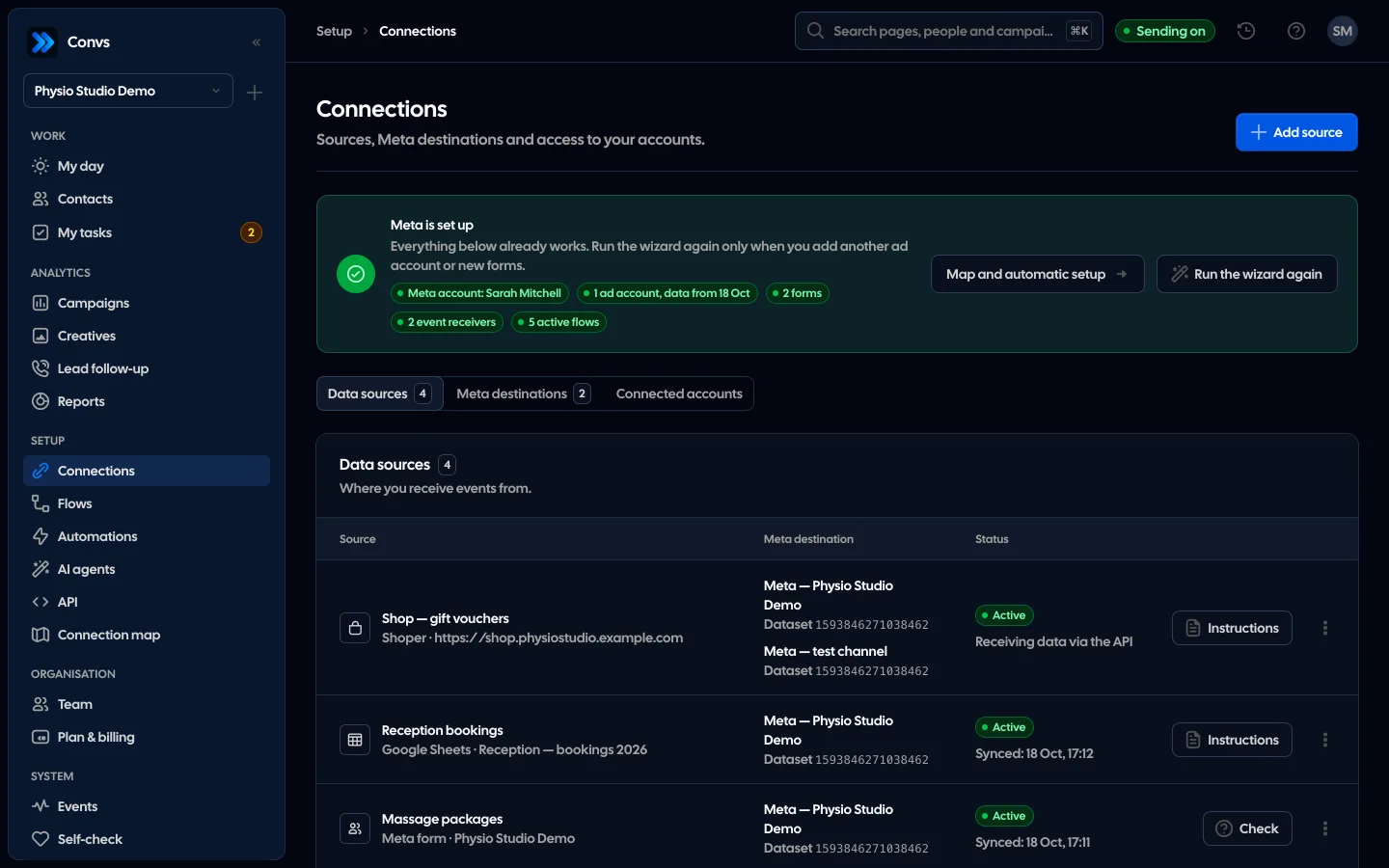
Convs receives leads through the Page webhook, which it subscribes on its own, checks each Page's subscription once every 6 hours, and reads forms without a working webhook every 5 minutes. You can also fetch leads by hand or import the last 7, 30 or 90 days.
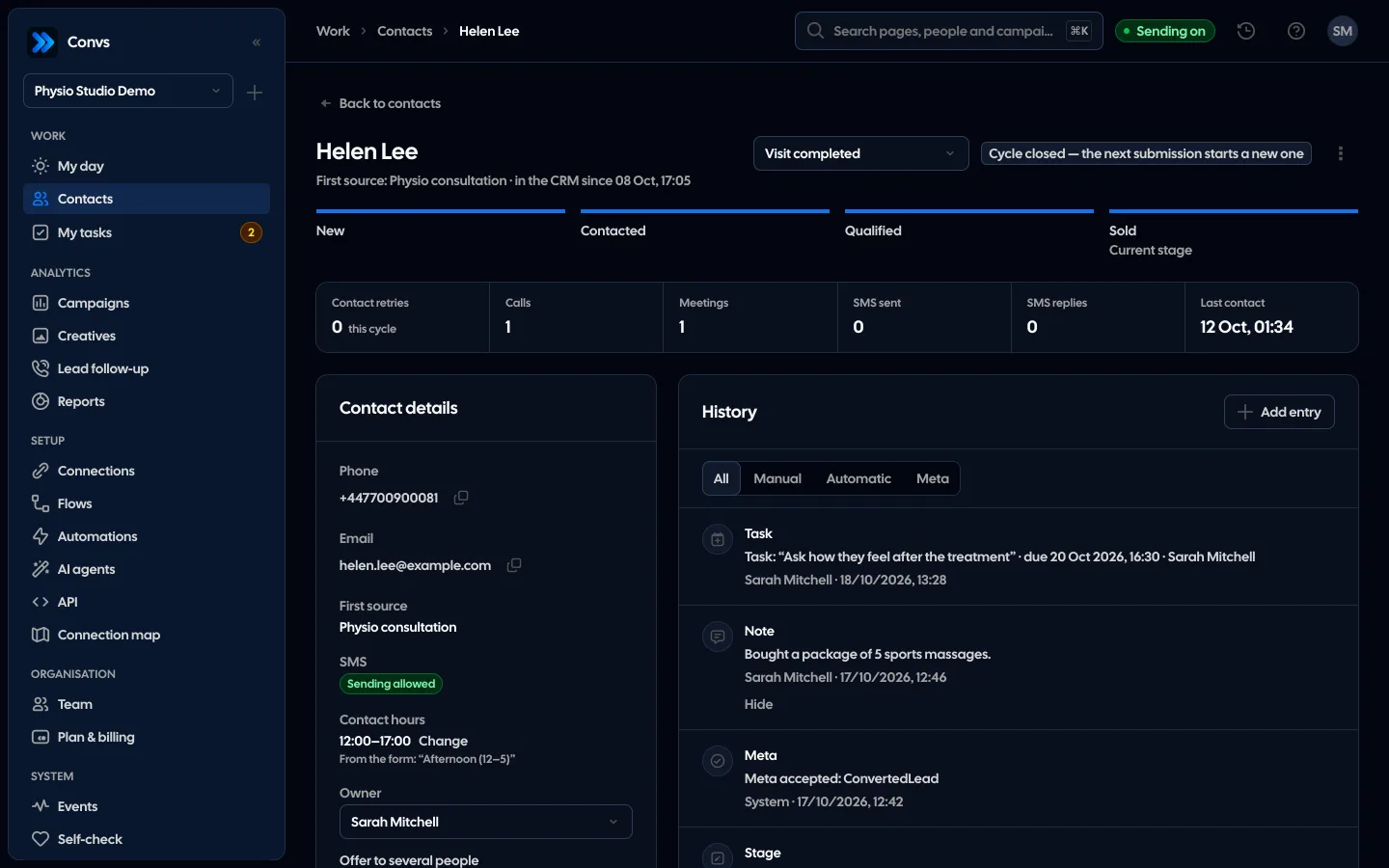
The self-check (Autodiagnostyka) reviews the whole setup and says what to fix for each finding. It runs when you click "Check now" or 2 minutes after a configuration change, not on a timer. Among other things it checks:
- Accounts: a Meta or Google login disconnected while still in use, access expired or expiring within 7 days.
- Meta forms: a paused form, missing Meta access to the Page, form or leads, no active flow, no leads for 7 days judged against ad spend, unknown questions, failed lead fetches.
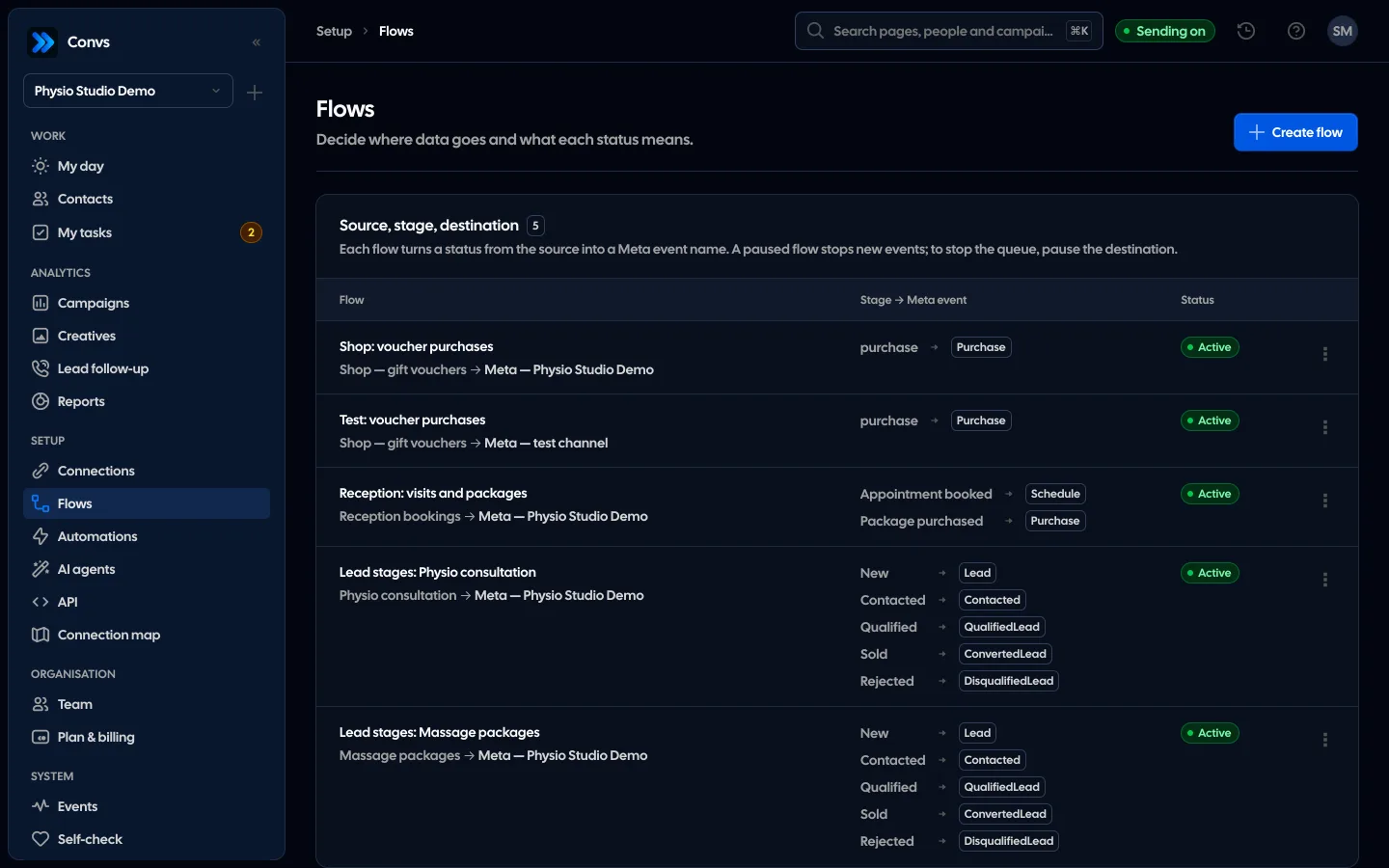
- Sending to Meta: sending off, test mode, refused, waiting or stuck sends, and the dataset's own statistics compared with the sends Meta accepted.
A Meta login expires and has to be reconnected; Convs doesn't refresh it automatically. Reconnecting the same account restores exactly the sources that were paused and reads each form once from its last read. In the Campaigns report, a row warns that some leads did not arrive when Meta counts more leads than reached Convs, with a button to fetch the missing ones (a 90-day import).
Limitations
No tool can recover leads older than 90 days, or spot a failure that doesn't show up in the data. Comparing with Ads Manager has limits too: time zones, organic leads and the moment of the read all shift the numbers, so a difference of one or two leads isn't a failure yet.
Some causes sit outside any integration's reach. If someone removes the app in the Page settings or changes roles in the business portfolio, you'll see the effect, not the reason. The Convs self-check runs on demand and after changes, so it doesn't replace a weekly look at the numbers. And "accepted by Meta" means the event arrived, not that a campaign optimises on it. You confirm that in the ad set settings.
Next step
Today, compare the last 7 days of leads in Ads Manager with your CRM for every live form. Where something's missing, work down the table from row 1. To see how Convs watches lead intake and sending to Meta, visit the Self-check page.
Sources
- Meta for Developers: Get Long-Lived Tokens (user token about 60 days, Page token without an expiry date)
- Meta for Developers: Retrieving Leads (
leads_retrieval, token from someone who can advertise, webhook delay of up to a few minutes) - Meta for Developers: Webhooks for Lead Ads (
subscribed_apps, no notifications without the app installed) - Meta for Developers: Using the Conversions API (
test_event_codefor testing only, one invalid event rejects the batch) - Meta for Developers: Server Event Parameters (7-day
event_timelimit) - Meta Business Help: About expired leads (leads downloadable for 90 days)
About the author
Aleksander
Founder of Convs.io, BooksyAudit.pl and SMSPortal.app
Founded Convs.io, BooksyAudit.pl and SMSPortal.app. In the knowledge base he explains how to send leads, CRM stages and sales back to Meta and how to measure what a customer from ads costs.
All articles by the authorFrequently asked questions
Why does Meta show more leads than my CRM?
Usually because some leads never made it through the integration: access expired, the Page lost its webhook subscription, or an ad uses a form nobody connected. Age is the other reason: Meta keeps leads downloadable for 90 days, while the Results column counts every lead in the period you pick.
Can I still download leads from four months ago?
No. Meta's help centre says leads can be downloaded for up to 90 days after the form is submitted. Neither a CSV export, the API nor any third-party tool can bring back older ones, so a gap has to be caught within days, not at the quarterly review.
How often does Meta access expire?
It depends on the token. Meta's documentation says a long-lived user token generally lasts about 60 days. A long-lived Page token has no expiration date but can still be invalidated under certain conditions. Use a reminder or a tool that warns you before access runs out.
Will the integration break when the person who connected it leaves?
It can. Meta requires the token used to read leads to come from someone who can advertise on the ad account. If that person loses their role or their account, reads stop. Move the connection to another login before you remove anyone's access.
How do I know the Page webhook is working?
Check that the integration's app is installed on the Page: a GET request to subscribed_apps lists installed apps, and an empty list means no subscription. Then submit a test lead and see whether it arrives within a few minutes, which is the delay Meta allows for notifications.