How to Assign Leads to Sales Reps: Round Robin vs First to Claim vs Manual
Manual, round robin, or offer each lead to the whole team and let the first rep claim it? A comparison table, team sizes 2, 5 and 15, and unclaimed leads.
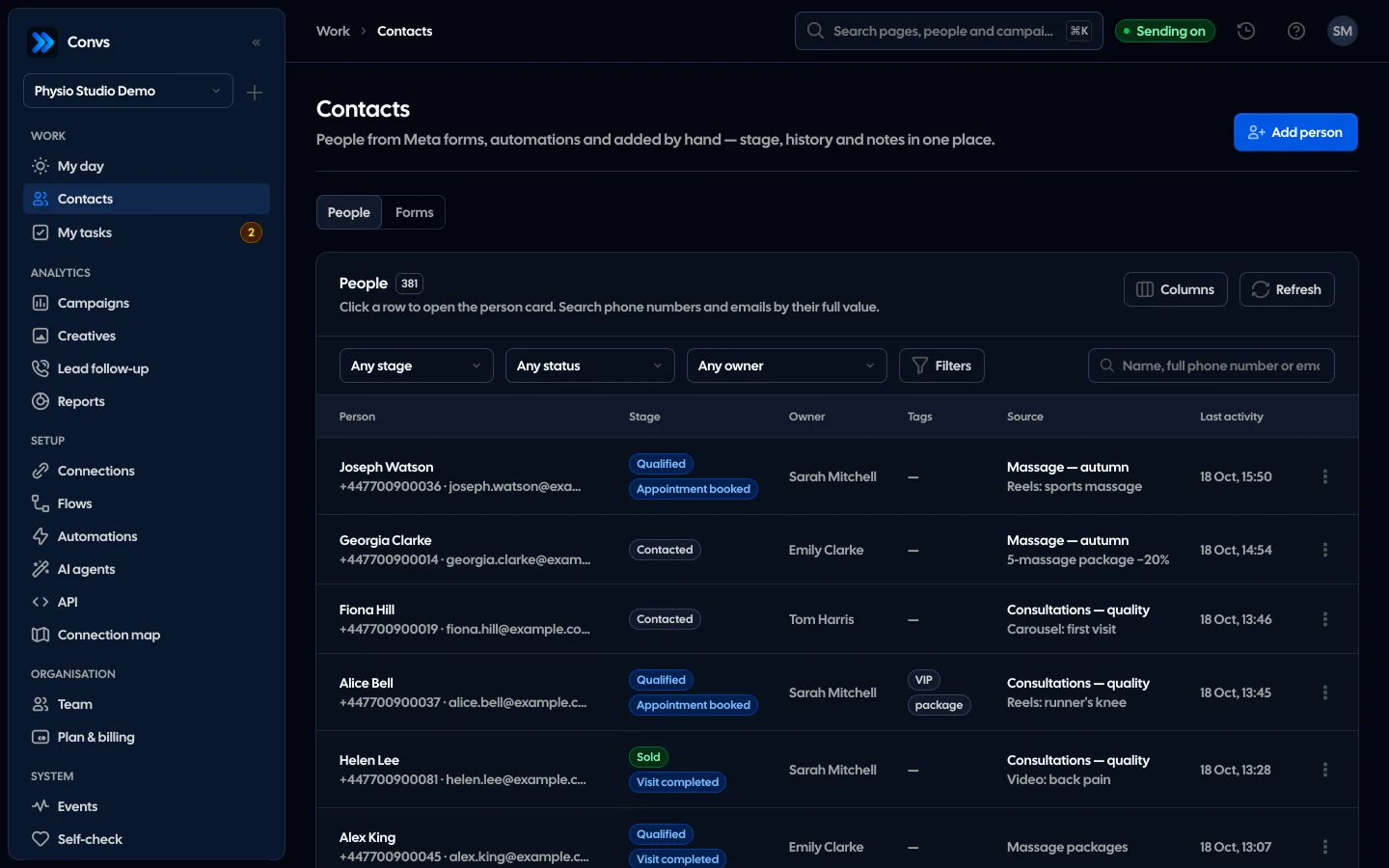
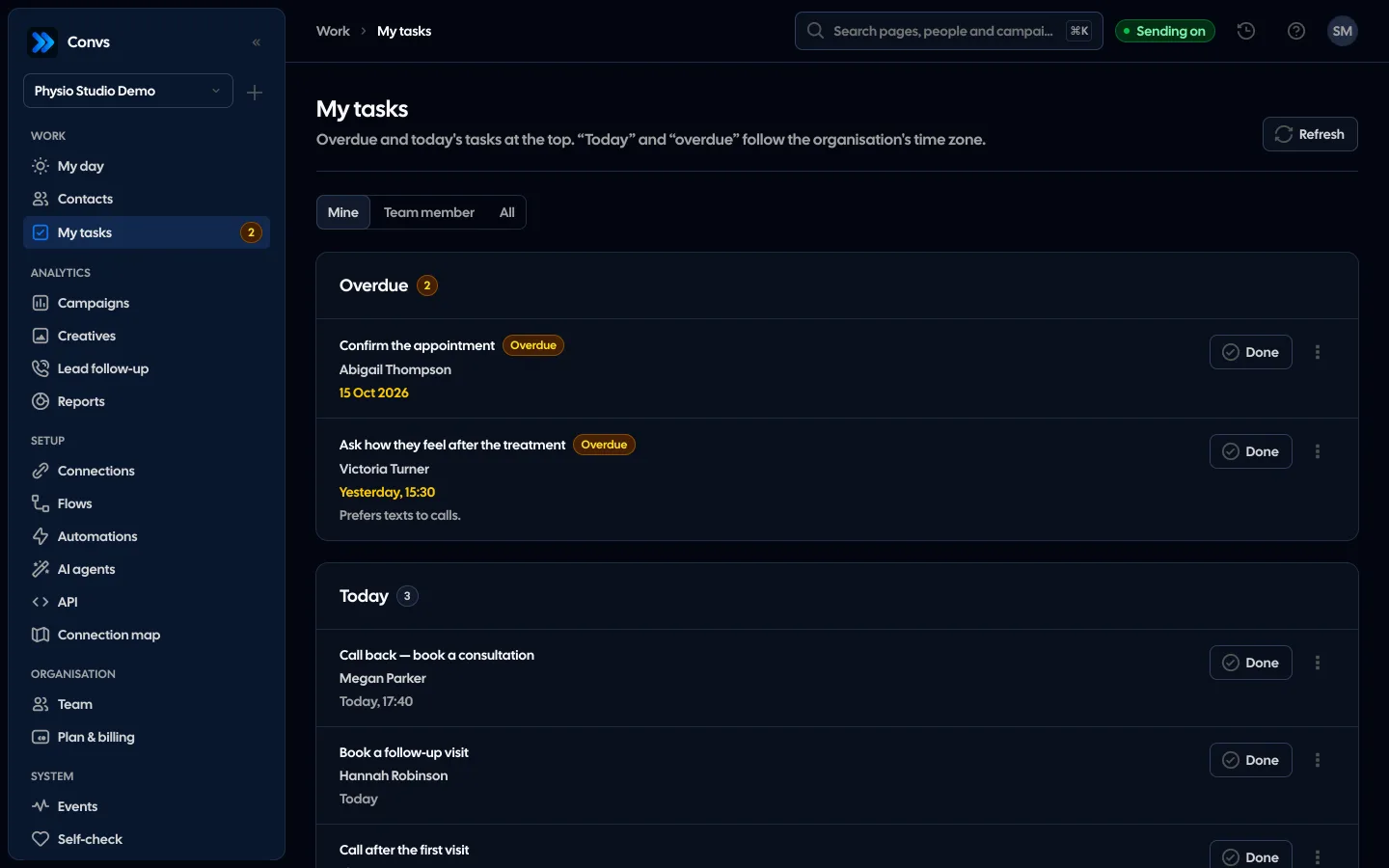
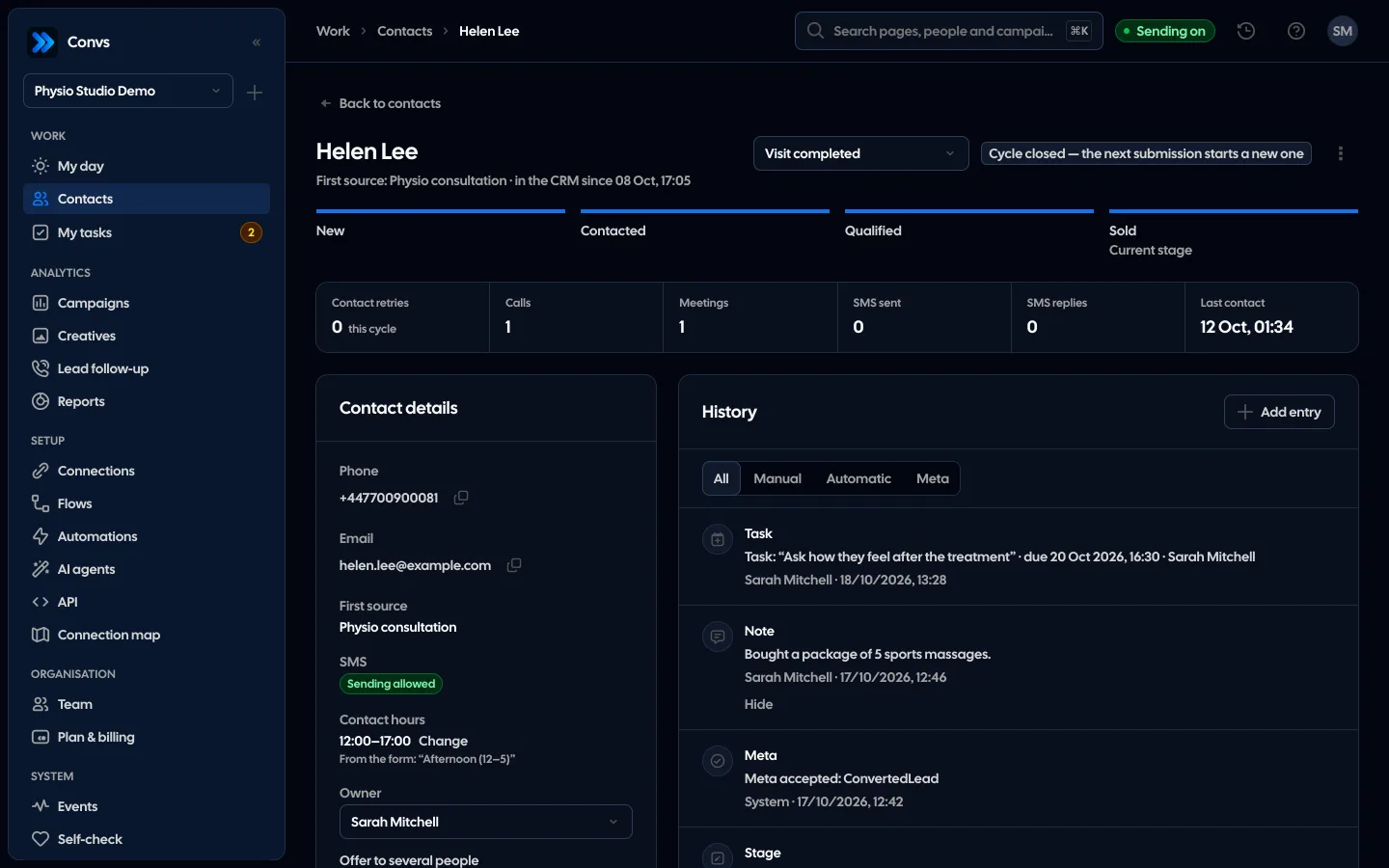
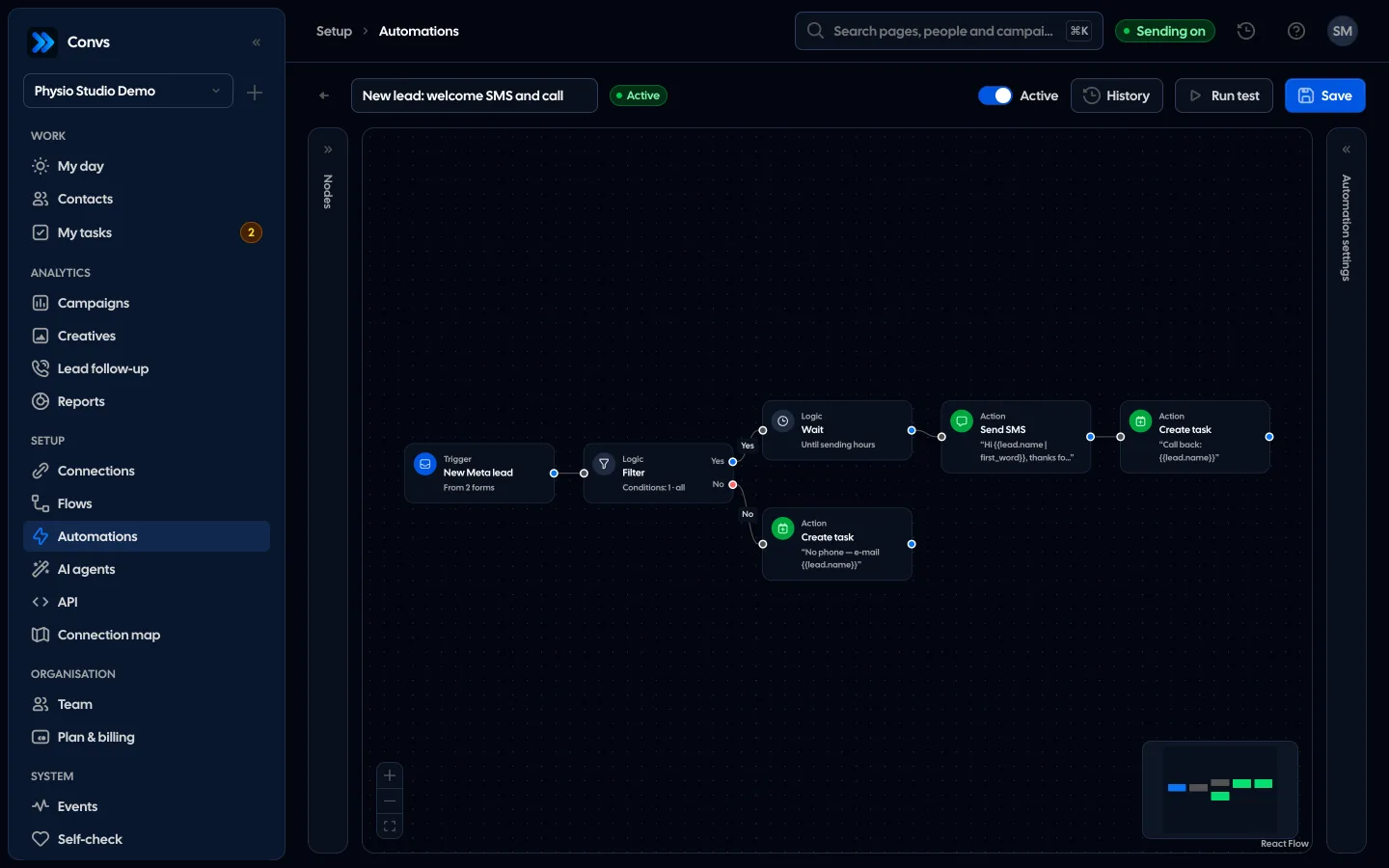
See it in 20 seconds
Short recordings of the panel with an example organisation, no sound.
On this page
- What are the ways to assign leads to sales reps?
- How do round robin, first to claim and manual assignment compare?
- Which model fits a team of 2, 5 or 15 reps?
- What should happen to a lead nobody claims?
- How do you avoid losing leads when a rep is on holiday or leaves?
- Who gets a person who fills in a second form?
- How does it work in Convs?
- Limitations
- Next step
A lead arrives from a Meta form on a weekday evening and your team has three reps. Who calls back? If the honest answer is "whoever sees it tomorrow", the problem is not the ad, it is lead assignment. This guide compares the three common ways to assign leads to sales reps, shows where each one fits, and covers the part most setups forget: leads nobody picks up.
What are the ways to assign leads to sales reps?
There are three basic models. Manual: a manager or owner reviews new leads and picks an owner. Round robin: each new lead goes to the next person on a fixed list. First to claim: the lead is offered to the whole team, and whoever takes it first becomes the owner. Most teams end up combining two of them.
A common mix is round robin during the day, with the lead going back to the pool if nobody contacts it within a few hours. Another is a small pool of two people who handle one product. Before choosing a model, settle two things that matter for all of them:
- what "taking a lead" means: a click in the CRM, a call, a note, a stage change,
- how long a lead may wait for first contact before you treat it as lost.
How to measure that wait and pick a limit is covered in our guide to speed to lead.
How do round robin, first to claim and manual assignment compare?
The difference is who decides and when. Manual assignment waits for a person, so the lead sits until the manager opens the CRM. Round robin decides instantly but has no idea who is available. First to claim also works instantly and naturally picks someone who is around, at the cost of an uneven split.
| Criterion | Manual | Round robin | First to claim (whole pool) |
|---|---|---|---|
| When the lead gets an owner | ManualWhen the manager assigns it | Round robinImmediately, when it is saved | First to claim (whole pool)When someone takes it |
| How leads are split | ManualHowever the manager decides | Round robinEvenly by count | First to claim (whole pool)By who reacts faster |
| Risk of a lead left hanging | ManualHigh when the manager is away | Round robinIt lands with someone who is out | First to claim (whole pool)Nobody claims it, each rep assumes another will |
| Matching leads to skills | ManualFull | Round robinNone, unless you keep separate lists | First to claim (whole pool)Partial: reps take what they feel confident with |
| Admin work | ManualDaily | Round robinKeeping the list up to date | First to claim (whole pool)A rule for unclaimed leads |
| Fits when | ManualFew leads, expensive or complex sales | Round robinStable team, similar leads, even workload | First to claim (whole pool)Shifts, uneven availability, speed matters most |
Nothing in this table says which model sells more. We are not aware of a sound study comparing them for lead-form leads, and we do not make up conversion rates. Test it on your own data: compare time to first contact and the share of qualified leads before and after a change.
The round robin trap: even is not fair
Round robin splits the number of leads, not their quality. If one campaign produces better leads on Mondays and one rep never works Mondays, results diverge through no fault of anyone. When you review the team, look at qualified leads and contact time, not only sales per rep.
The first-to-claim trap: cherry-picking
In an open pool, the fastest clicker can take the leads that look promising and leave the rest. That is why a pool needs a second rule for what happens to a lead nobody claims within a set time.
Which model fits a team of 2, 5 or 15 reps?
The smaller the team, the less process it needs. Two people usually do fine with an open pool or a simple manual split. At five, round robin takes daily decisions off the manager's plate. At fifteen, one model is rarely enough: you need separate pools per product or shift and a rule for unclaimed leads.
- 2 reps. An open pool with "if you take it, you call it" is usually enough. Manual assignment makes sense when one person specialises in the pricier service.
- 5 reps. Round robin gives predictability and an even count. Keep the list current around holidays. A pool works better when people keep different hours.
- 15 reps. Split the team into groups (product, region, shift) and pick a model per group. Add a reminder for unclaimed leads and a response-time report per rep.
Treat these team sizes as reference points, not thresholds. Five reps who all sit by the phone from 9 to 5 can run like a large team, and fifteen field reps like a small one.
What should happen to a lead nobody claims?
Set a time limit and an automatic response when it passes. A lead offered to several reps and not taken within, say, four hours should trigger something specific: a message to the manager, a task for a named rep, or assignment from the round robin list. Without that rule, a pool slowly becomes a "later" pile.
A good rule has three properties:
- It runs by itself. It does not depend on someone remembering to check a list.
- It names one person. "Team, please follow up" fails; "Anna, call today" works.
- It stops once the lead is taken. Nobody should be reminded about a lead a colleague is already handling.
An automatic text to the lead can buy time, but it does not replace a conversation. How to set one up properly is in our guide to an instant SMS for new leads.
How do you avoid losing leads when a rep is on holiday or leaves?
Take the absent rep off the list you assign from before they go, and add them back when they return. When someone leaves the company, hand over their people and open tasks before you remove their access. The classic failure is a round robin that sends every third lead to someone's inbox for two weeks.
An open pool is safer here: an absent rep simply does not claim anything, and the others pick up the slack. Manual assignment depends on one person, so it needs a deputy while the manager is away.
When someone leaves the team, check three things: who takes over their people, who takes over their open tasks, and whether their logins are connected to lead forms or integrations. Leads stored in the CRM stay with the company, but without an owner nobody calls them.
Who gets a person who fills in a second form?
The same owner, as long as your CRM recognises them as the same person. That is why it pays to merge leads into people by phone number and e-mail rather than treating every form fill as a new customer. Otherwise two reps end up calling one person about the same thing.
With Meta lead forms this happens a lot: someone responds to an ad from another campaign, or fills in the form again because nobody called. How to move form leads into a CRM without duplicates is covered in our guide to getting Meta lead ads into a CRM.
How does it work in Convs?
In the Convs CRM every person has an owner, and only team members who can edit clients can be owners. Round robin is off by default. Once an owner or admin switches it on on the Team page, each new person without an owner gets the next member in join order. The choice is made in the same transaction that creates the record, so two leads arriving at once never land on one rep by accident.
The pool is everyone who can own people (including those who join later) or a chosen list. It can hand out leads in two ways:
- one by one, one rep per lead,
- to the whole pool at once: the lead is offered to everyone, and the owner is whoever first clicks I'll take it or first logs a call, meeting, note or stage change. A rep who is too late sees that a colleague already took it.
Leads waiting to be taken are visible to every candidate, even with "only own" access, and the client list has filters for leads offered to me and leads waiting to be taken. The automation trigger "Lead unclaimed after X hours" (1 to 168 hours, default 4) fires once for an offer nobody took, and its waiting steps are skipped as soon as someone takes the lead. The Assign owner action can use round robin, a named member, several members (first to take wins) or the whole pool.
When a member is removed or loses the right to edit clients, their people lose the owner and offers, and their open tasks pass to the member making the change. Whether reps call back on time shows up on the Lead follow-up page, with a table per owner. More on the Lead assignment page.
Limitations
No assignment model fixes weak leads or an understaffed team. If reps get more leads than they can handle, every model just spreads the delay differently. Then the fix is the budget or the form, not the routing. Where random submissions come from is covered in our article on low-quality Meta lead form leads.
Some things stay manual in Convs too:
- round robin does not know holidays or rotas, so you edit the list yourself,
- the "Lead unclaimed" trigger covers leads offered to several reps; a lead assigned straight to one rep is checked on the Lead follow-up page or with a task that has a due time,
- routing by form needs an automation, because the round robin setting applies to the whole organisation.
None of these models guarantees more sales. Judge your choice on your own numbers: time to first contact, the share of leads that went cold, and the share that qualified, before and after the change. The stages worth recording for that are in our guide to CRM lead stages for Meta.
Next step
Take the leads from the last two weeks and check each one: who owned it, when first contact happened, and whether it sat without an owner for more than a day. If that keeps happening, start with a rule for unclaimed leads, and only then change the model. How assignment and claiming work in practice is shown on the Lead assignment page.
About the author
Aleksander
Founder of Convs.io, BooksyAudit.pl and SMSPortal.app
Founded Convs.io, BooksyAudit.pl and SMSPortal.app. In the knowledge base he explains how to send leads, CRM stages and sales back to Meta and how to measure what a customer from ads costs.
All articles by the authorFrequently asked questions
Is round robin fair when someone is on holiday?
On paper yes, in practice no. A round robin list does not know who is away, so leads keep landing with a person who is not there. Take them out of the pool before the leave and add them back after. In Convs the pool is everyone who can own people or a chosen list, and that list is what you edit.
What happens if two reps claim the same lead at the same moment?
The first write wins. The second rep sees a message saying a colleague has already taken the lead. A lead never ends up with two owners, and a candidate's first call, meeting, note or stage change counts as claiming it too.
Can assignment depend on the lead form?
Yes, but not through the round robin setting, which applies to the whole organisation. Use an automation: the New Meta lead trigger limited to chosen forms, followed by an Assign owner action with a specific rep or group. If round robin is on, untick the action's default option that only assigns people without an owner, or switch round robin off.
Will a person who fills in a second form go to the same rep?
If your CRM merges leads into people, yes. In Convs a new lead joins the existing record by phone number first, then e-mail, and round robin only assigns new people who have no owner. The record stays with its current owner.
What happens to a rep's leads when they leave the team?
In Convs their people lose the owner and any open offers, and their open tasks pass to the member who removes them or takes away their rights. Each change goes into the person's history. Nothing is deleted, but the leads need a new owner straight away.